Quick answer
Do an AI assessment before buying automation. It shows which repeated work is worth improving, what information the work depends on, what the risk is if AI gets it wrong, and whether the return is big enough to justify building anything.
Most businesses do not need more AI tools first. They need a clearer map of where the time is going.
Published: 4 June 2026.
Best for: business owners, operations managers, founders, and teams considering AI automation.
Time needed: 30 to 60 minutes for a useful first pass.
What an AI assessment should answer
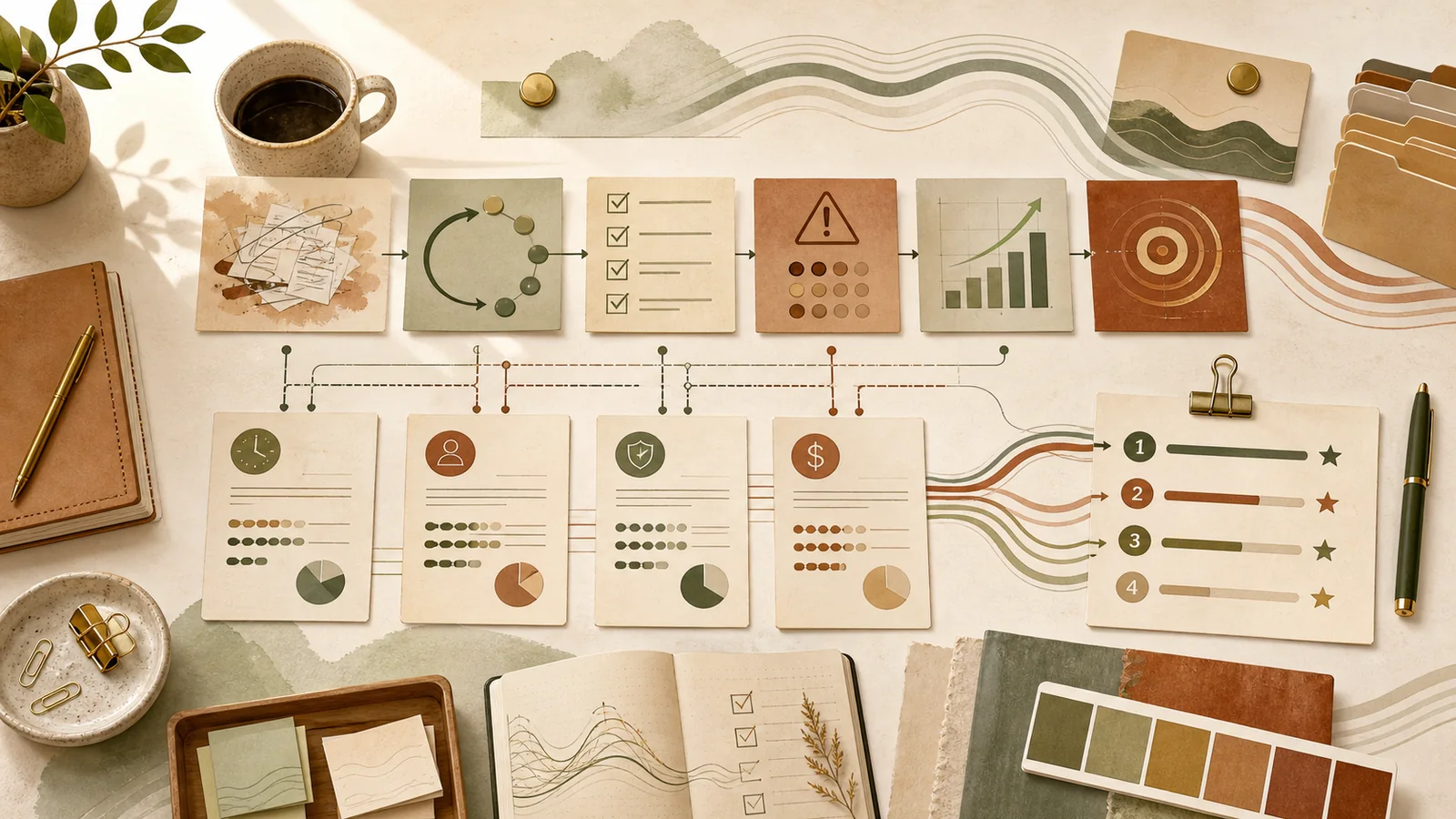
A good AI assessment answers four questions:
- What work repeats often enough to matter?
- What information does that work depend on?
- What would happen if the AI got it partly wrong?
- What is the likely value if the workflow improves?
That third question matters more than most people expect. Drafting a meeting summary is low risk. Sending financial advice, editing a client record, changing a quote, or making a compliance decision is not.
The useful starting point is not “what can AI do?” It is “where do good people lose hours to work that follows a pattern?”
Why assessment comes before automation
Automation sounds attractive because it promises a finished system. But a system only helps if it is pointed at the right work.
Without an assessment, businesses usually make one of three mistakes:
- They automate work that was not wasting much time.
- They automate a messy process before cleaning it up.
- They put AI too close to a risky decision.
An assessment slows the first step down just enough to make the rest faster.
Step 1: list repeated work
Start with work that happens every week, not once a quarter.
Good candidates include:
- Turning notes into emails.
- Summarising meetings.
- Preparing reports.
- Drafting proposals.
- Checking forms for missing information.
- Sorting enquiries.
- Updating client records.
- Preparing internal checklists.
Do not judge the work yet. Just list it. The goal is to see where time is actually going.
Step 2: find the information each task uses
AI is only useful when it can access or be given the right context.
For each repeated task, ask:
- What files, emails, notes, systems, or examples does the person use?
- Is the information reliable?
- Is it in one place or scattered across tools?
- Does the team agree on the current process?
- Would the AI need access to private or sensitive data?
If the source information is messy, the first project may be better instructions, templates, or file cleanup rather than automation.
Step 3: score the risk
Risk is not about whether AI is “good” or “bad”. It is about what happens when the output is incomplete, wrong, or too confident.
Low-risk work:
- First drafts.
- Summaries.
- Internal checklists.
- Research notes.
- Brainstorming.
- Non-final client communication.
Higher-risk work:
- Financial advice.
- Legal or compliance decisions.
- Medical or safety information.
- Pricing changes.
- Client record updates.
- Anything sent automatically without human review.
The higher the risk, the more the workflow needs human review, clear boundaries, and a slower rollout.
Step 4: estimate the value
Do not start with theoretical ROI. Start with hours.
Ask:
- How many people do this task?
- How often does it happen?
- How long does it take now?
- How much could AI realistically reduce that time?
- What is the hourly value of the time saved?
- Would faster turnaround improve sales, service, or cash flow?
Even rough numbers help. A task that saves two people 30 minutes every day is often more valuable than a flashy workflow that only happens once a month.
Step 5: choose the right level of solution
Not every opportunity needs custom automation.
Some tasks only need:
- A better prompt.
- A shared Project with instructions and examples.
- A template.
- A checklist.
- A connected workspace.
- A custom skill.
- A proper automation.
The assessment should tell you the lightest useful solution. That is usually where the best return is.
Prompt to run a first AI assessment
Copy this into Claude or another AI assistant:
Help me assess where AI could save time in my business. Ask me questions about repeated weekly tasks, who does them, how long they take, what information they depend on, what could go wrong, and what a useful first improvement would look like. Then produce a ranked list of opportunities by value, risk, and setup difficulty.Use the result as a starting point, not a final decision. Your team will know which suggestions are realistic.
Assessment checklist
Before buying or building automation, check that you have:
- Listed repeated weekly tasks.
- Identified who does each task.
- Estimated time spent now.
- Named the source information each task depends on.
- Scored the risk if AI gets it wrong.
- Estimated the likely value.
- Decided whether the work needs a prompt, Project, skill, or automation.
- Chosen one low-risk workflow to test first.
Frequently asked questions
How long should an AI assessment take?
A useful first pass can take 30 to 60 minutes. A deeper assessment for a larger business may take several interviews and a workflow review, but the first map should be quick.
Should I assess every process in the business?
No. Start with repeated work that happens weekly. The goal is momentum, not a perfect process catalogue.
What if the highest-value workflow is high risk?
Do not ignore it, but do not automate it first. Start with a lower-risk workflow, build confidence, and return to the higher-risk one with better controls.
What is the best first AI project?
The best first project is repeated, visible, useful, and safe enough for a human-reviewed pilot. Meeting summaries, proposal drafts, internal reports, and enquiry triage are often good starting points.
When is automation worth it?
Automation is worth it when the task repeats often, the inputs are predictable, the risk is manageable, and the time saved is larger than the setup and maintenance cost.
Once that is clear, the implementation path gets much easier. Some tasks only need a better prompt. Some need a shared project with examples and reference files. Some need a custom skill or automation. Some should be left alone.
That is why the AI readiness assessment exists: it gives you a practical map before anyone starts building.