Questions to ask before buying an AI tool
Use these practical questions to assess an AI vendor's use case, evidence, data handling, security, access, human oversight, integration, cost, and exit path.
Read the latestUseful, plain-English posts for business owners who want to save time, improve workflows, and understand where AI actually fits.
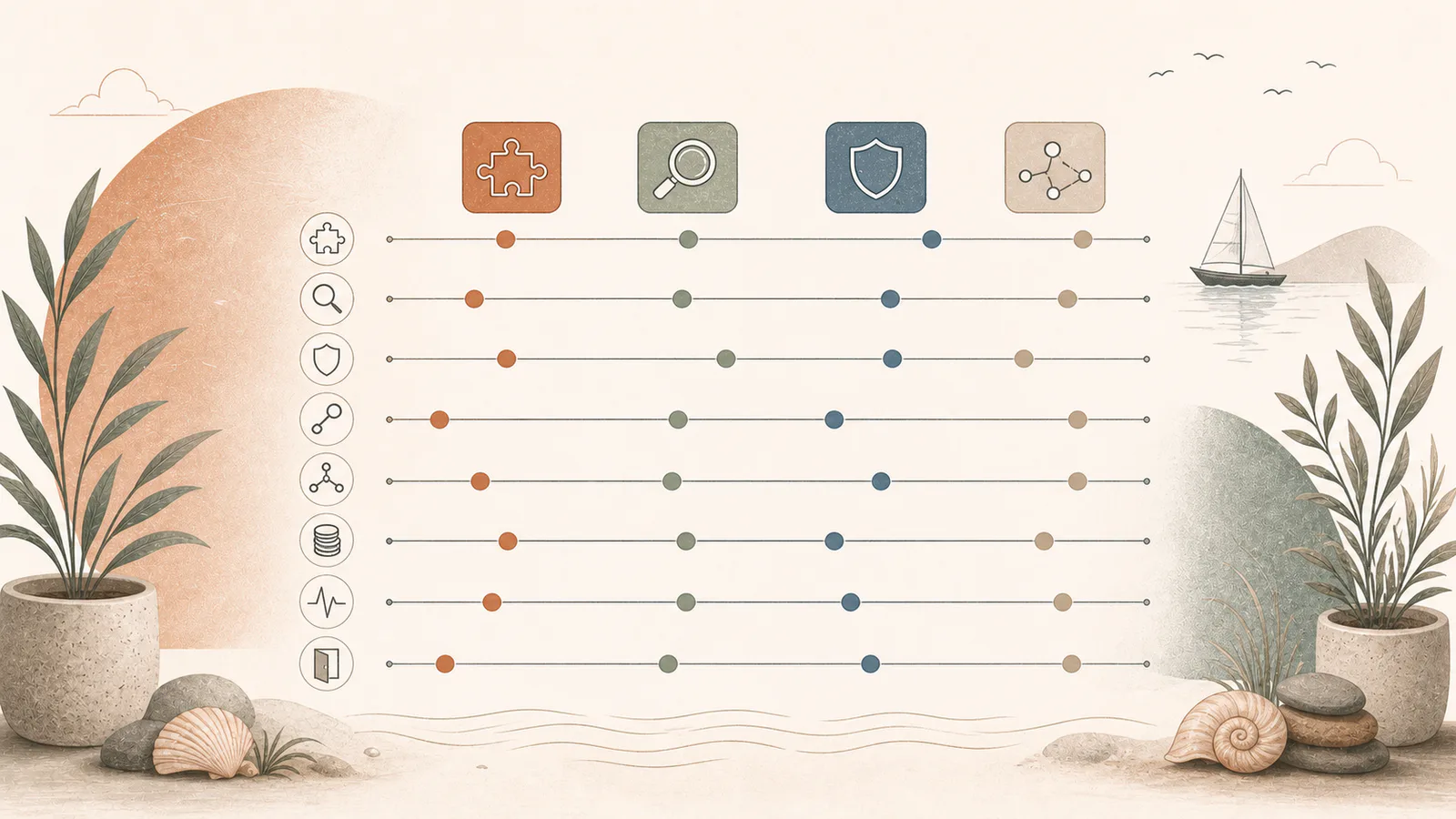
Use these practical questions to assess an AI vendor's use case, evidence, data handling, security, access, human oversight, integration, cost, and exit path.
Read the latestThe readiness assessment maps your repeated work, risk, likely value, and the most sensible first AI workflow.
Request an AI Readiness Assessment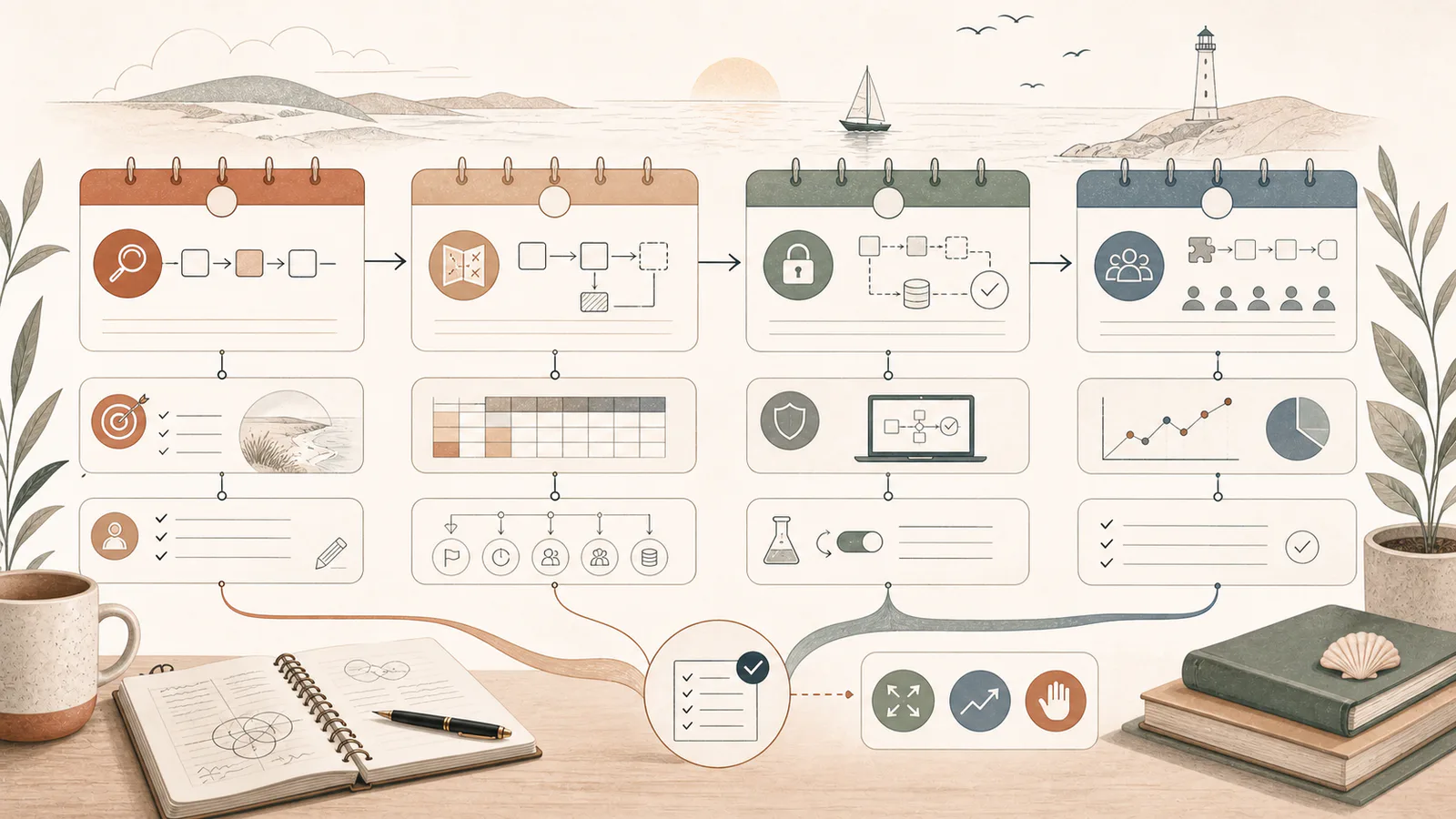
Run a focused 30-day AI pilot that selects one workflow, establishes a baseline, tests real examples, trains a small group, and produces a clear stop or scale decision.

Use multimodal AI with business files without losing source context, privacy, calculation accuracy, or human accountability.
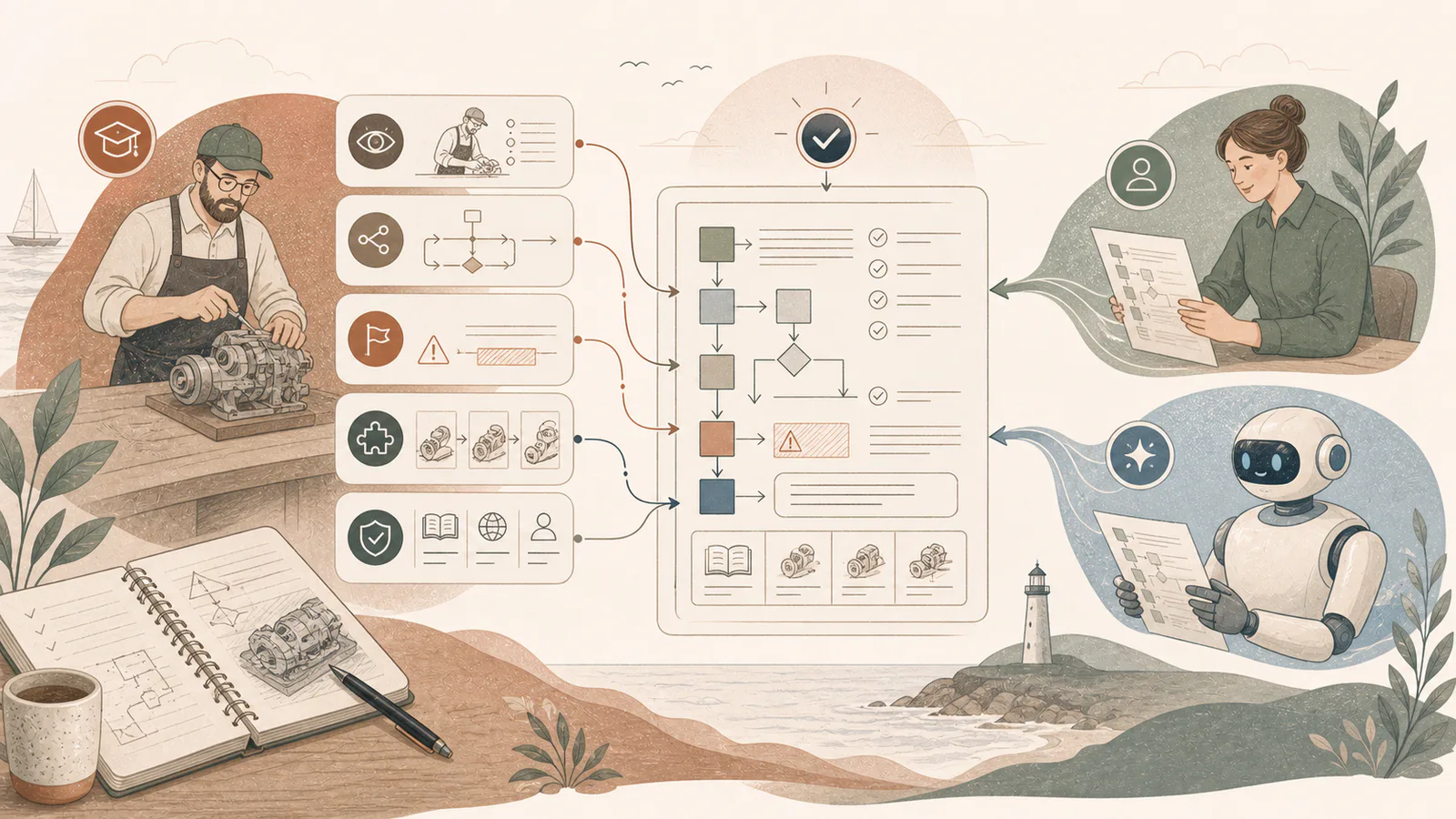
Capture the decisions, exceptions, evidence, and examples behind expert work so people and AI can follow a useful standard operating procedure.
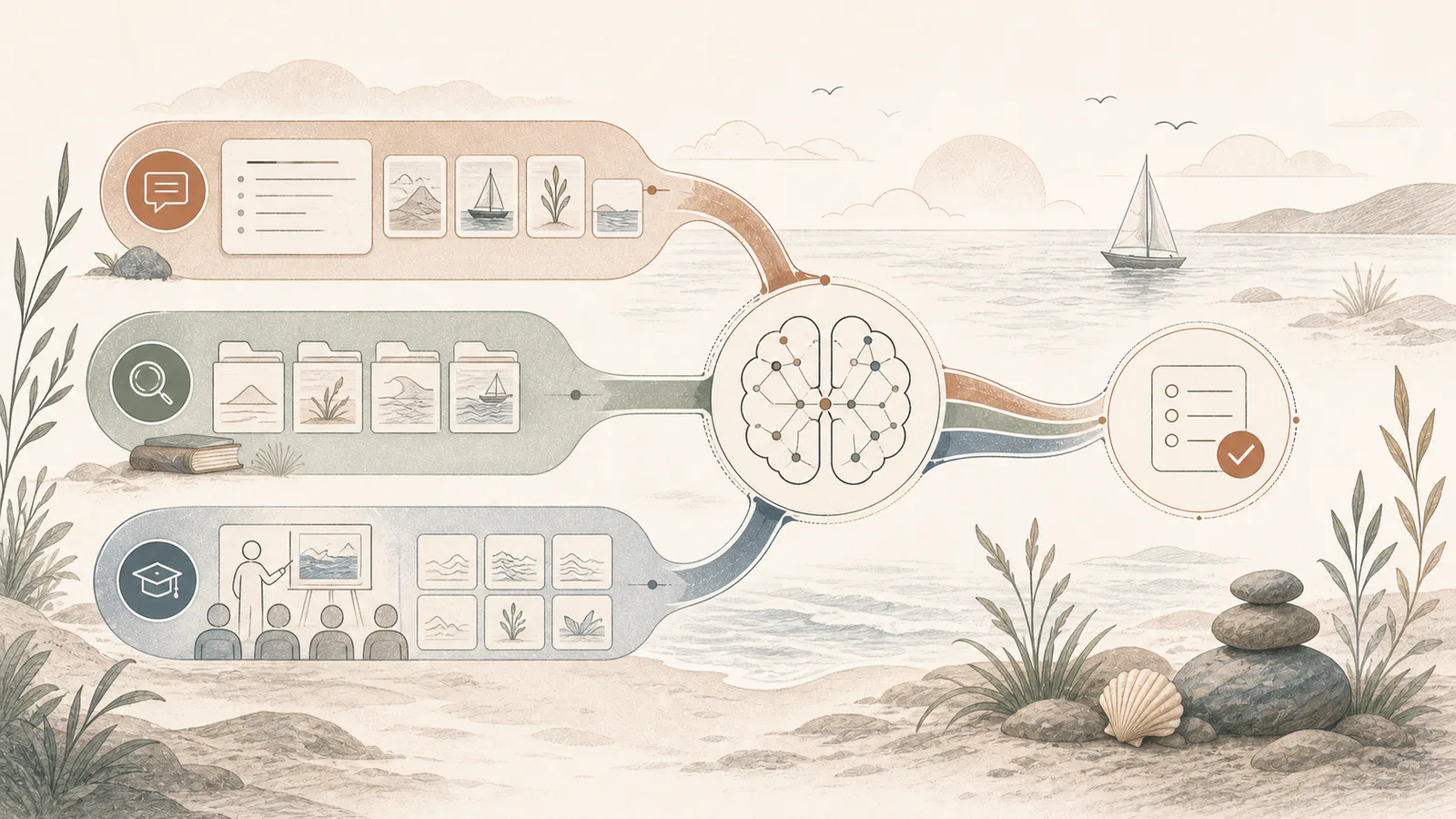
Choose between better instructions, retrieval-augmented generation, and fine-tuning based on whether your AI problem is behaviour, current knowledge, or repeatable specialist output.
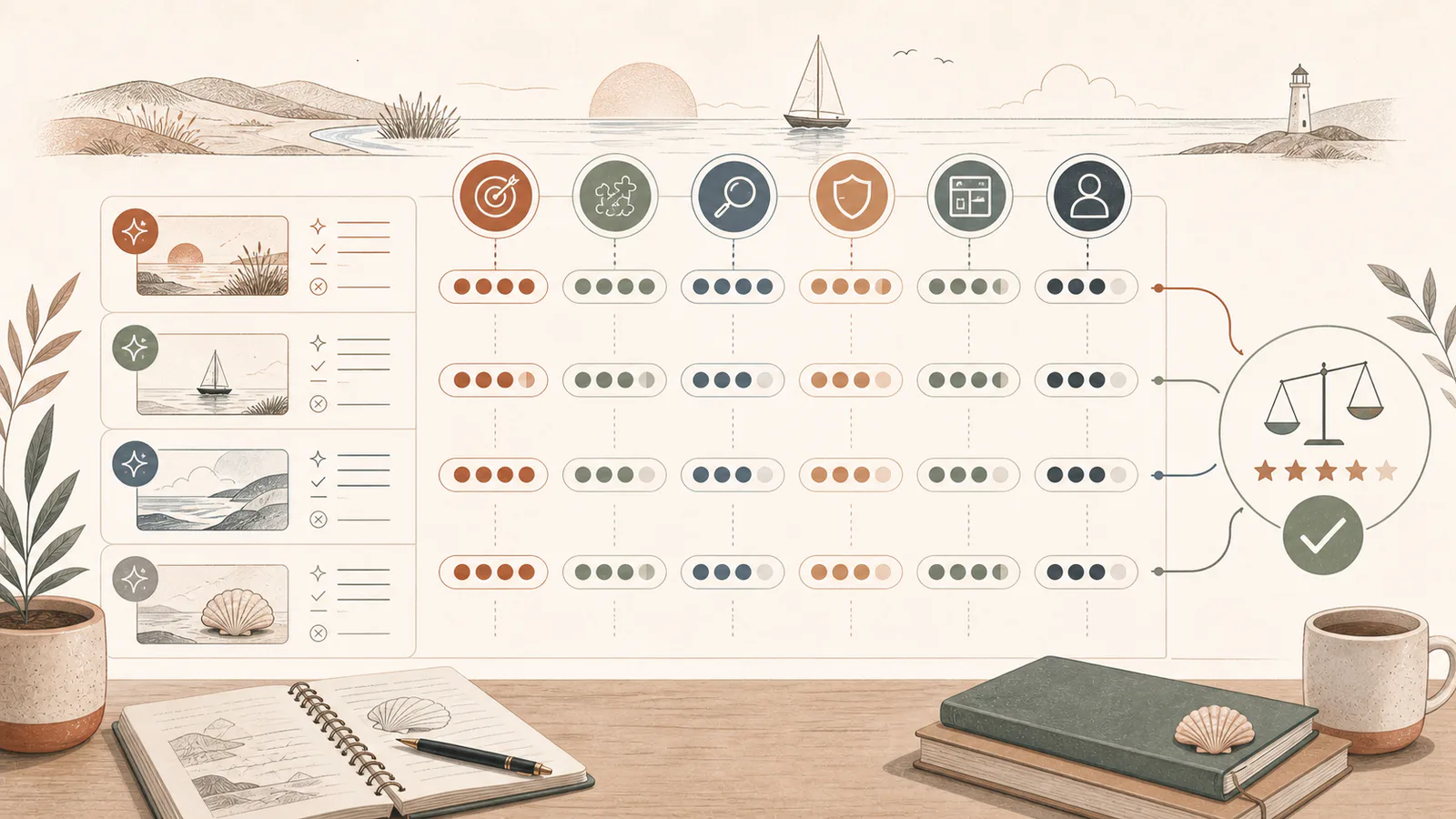
Use a practical AI output scorecard to compare prompts, tools, and workflow changes on correctness, completeness, evidence, safety, format, and review effort.
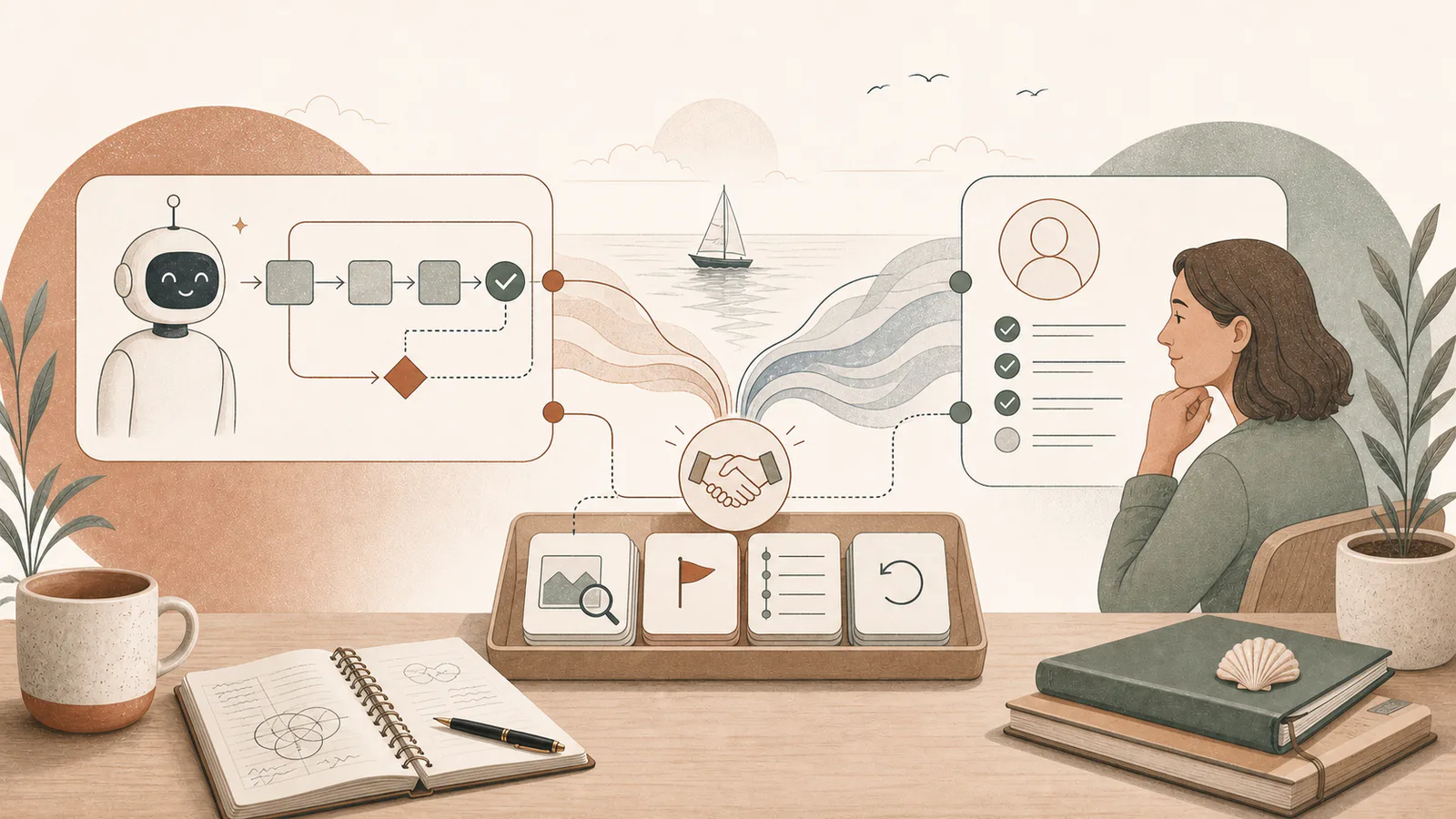
Design clear human-handoff triggers for AI agents: missing evidence, repeated failure, sensitive decisions, unusual cases, and irreversible actions.

Understand the difference between AI assistants, fixed workflows, traditional automation, and AI agents—and choose the least complex option that solves the job.

Before staff paste business information into AI, define what is prohibited, what must be de-identified, and which approved tools may handle sensitive work.
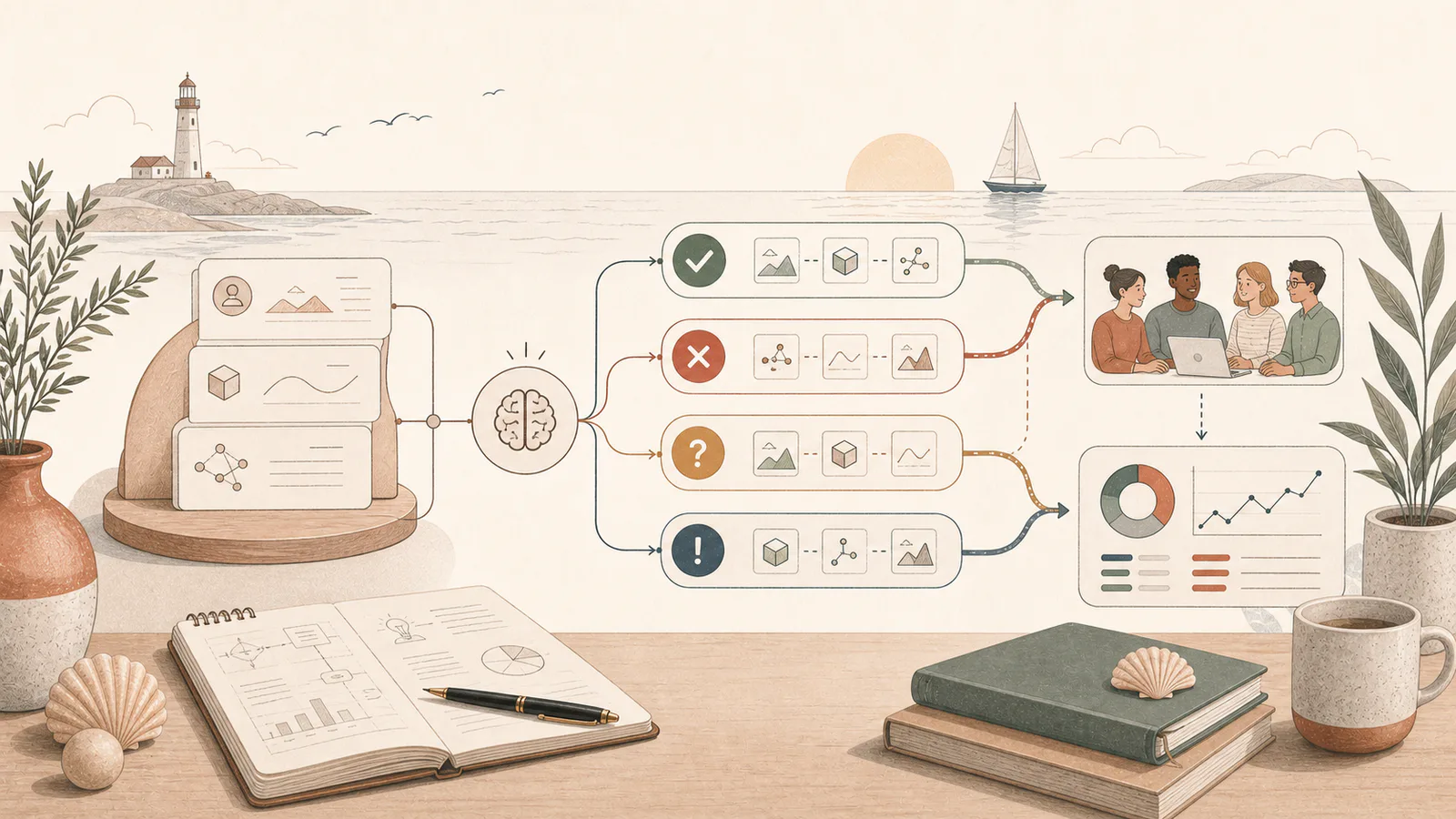
Test an AI workflow with real examples, clear pass criteria, difficult edge cases, and a small pilot before asking the whole team to depend on it.
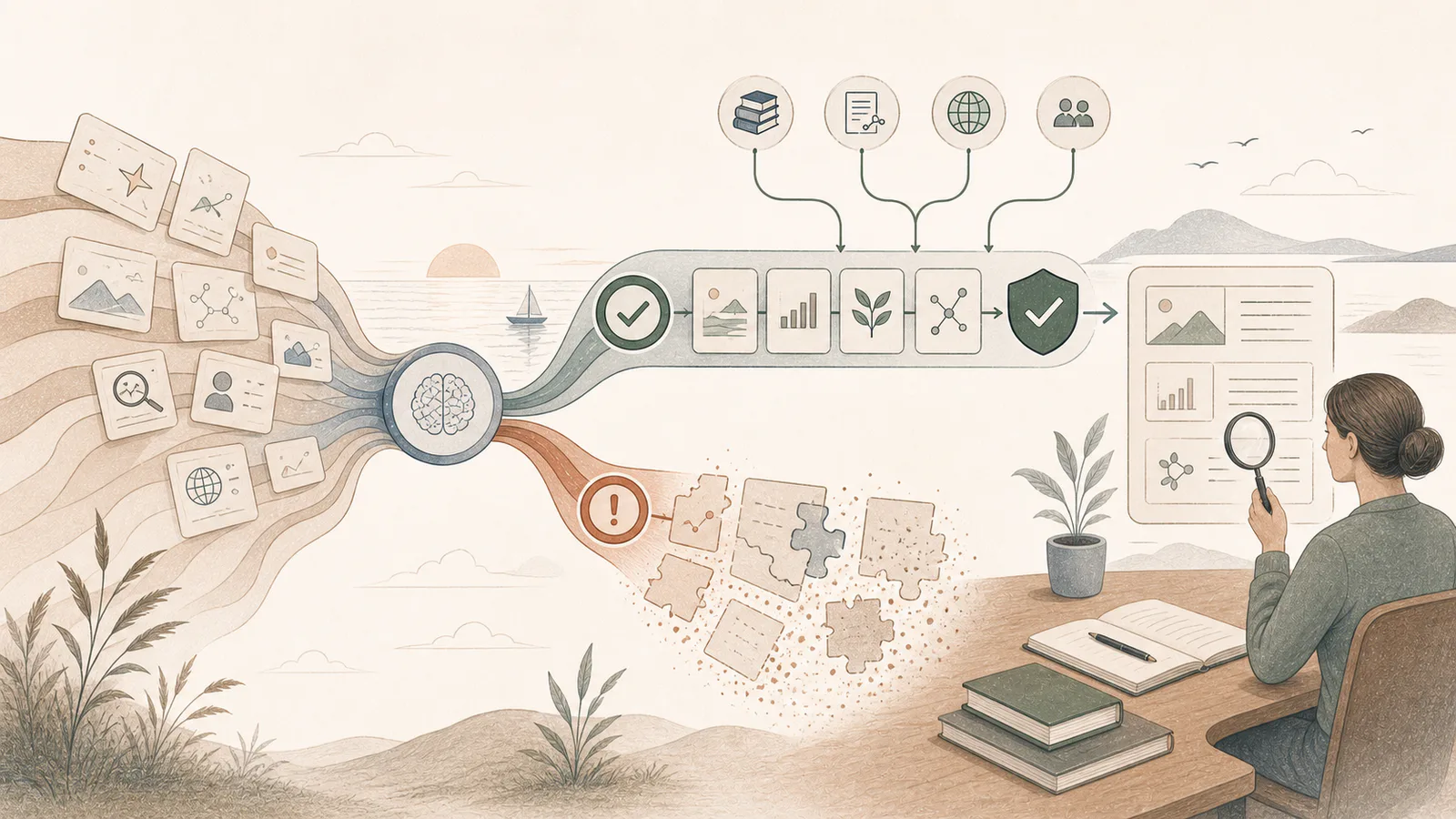
AI hallucinations are confident but unsupported outputs. Learn why they happen and how better sources, instructions, constraints, and review reduce business risk.
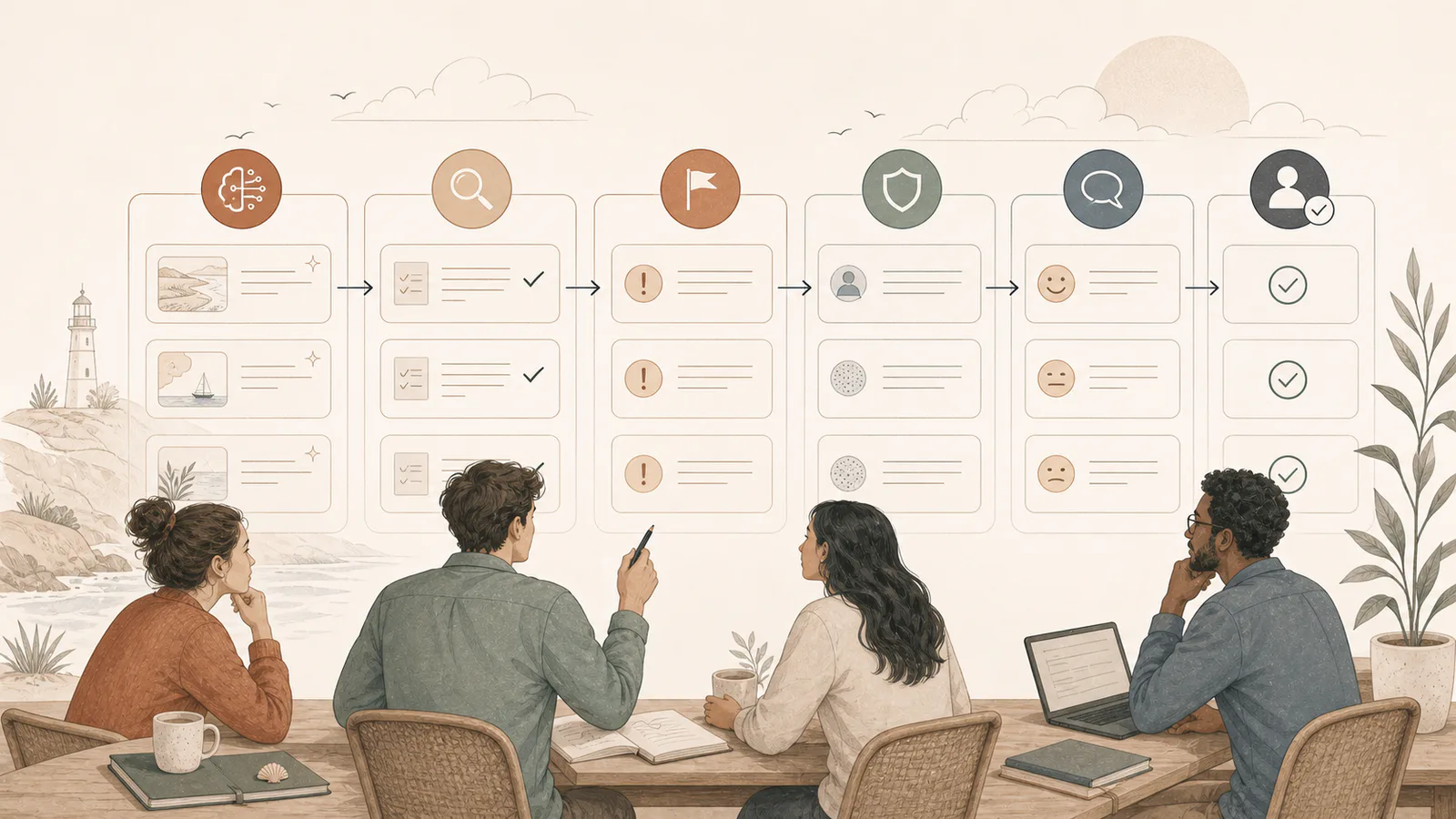
A short AI review checklist improves accuracy, privacy, tone, and accountability without turning every draft into a slow approval process.
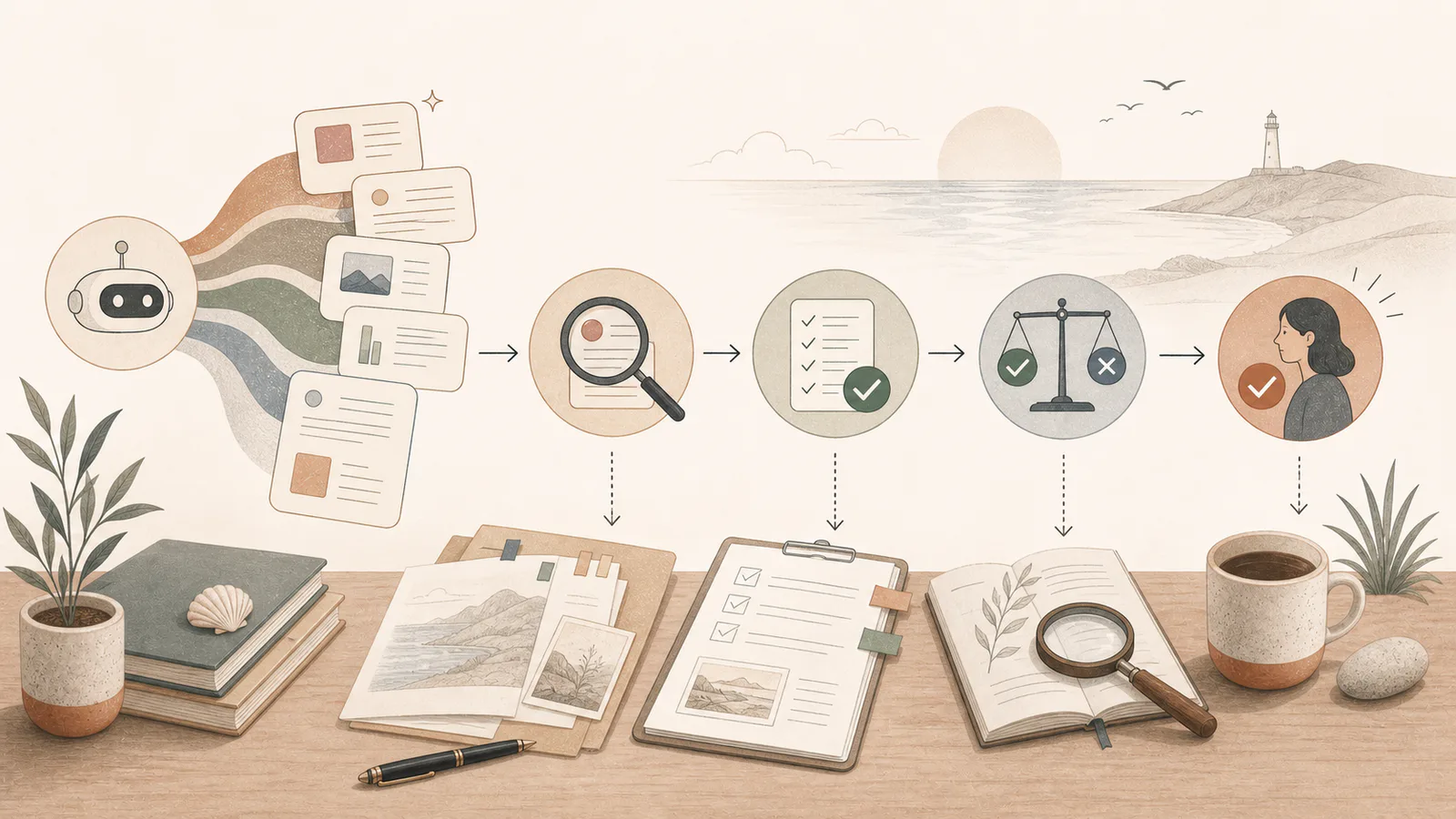
AI can produce a convincing answer that is incomplete or wrong. Use this practical verification process before relying on AI-generated facts, figures, quotes, or advice.
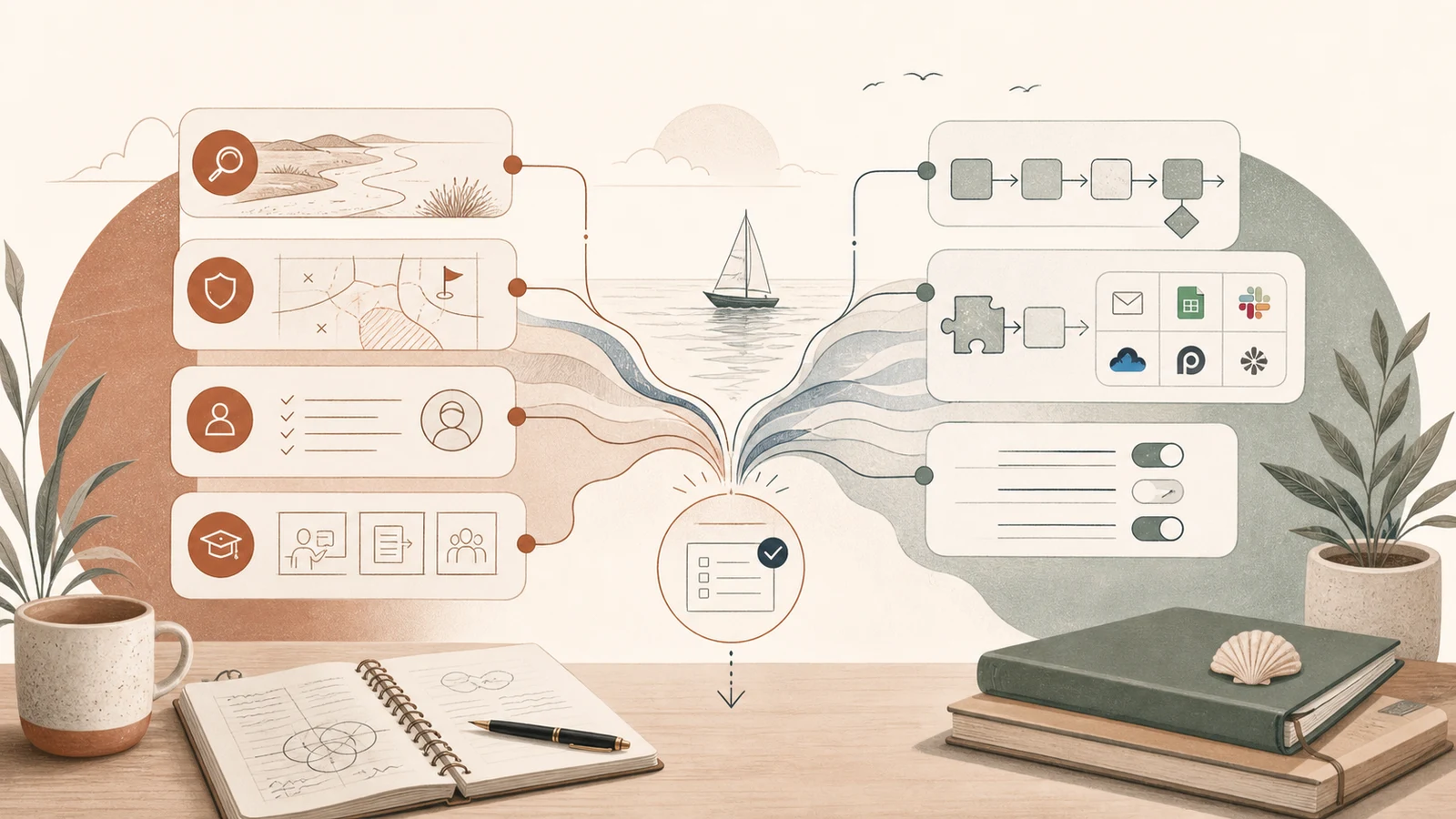
If the workflow is unclear, start with an AI consultant. If the workflow is proven and repeatable, an automation agency may be the right next step.
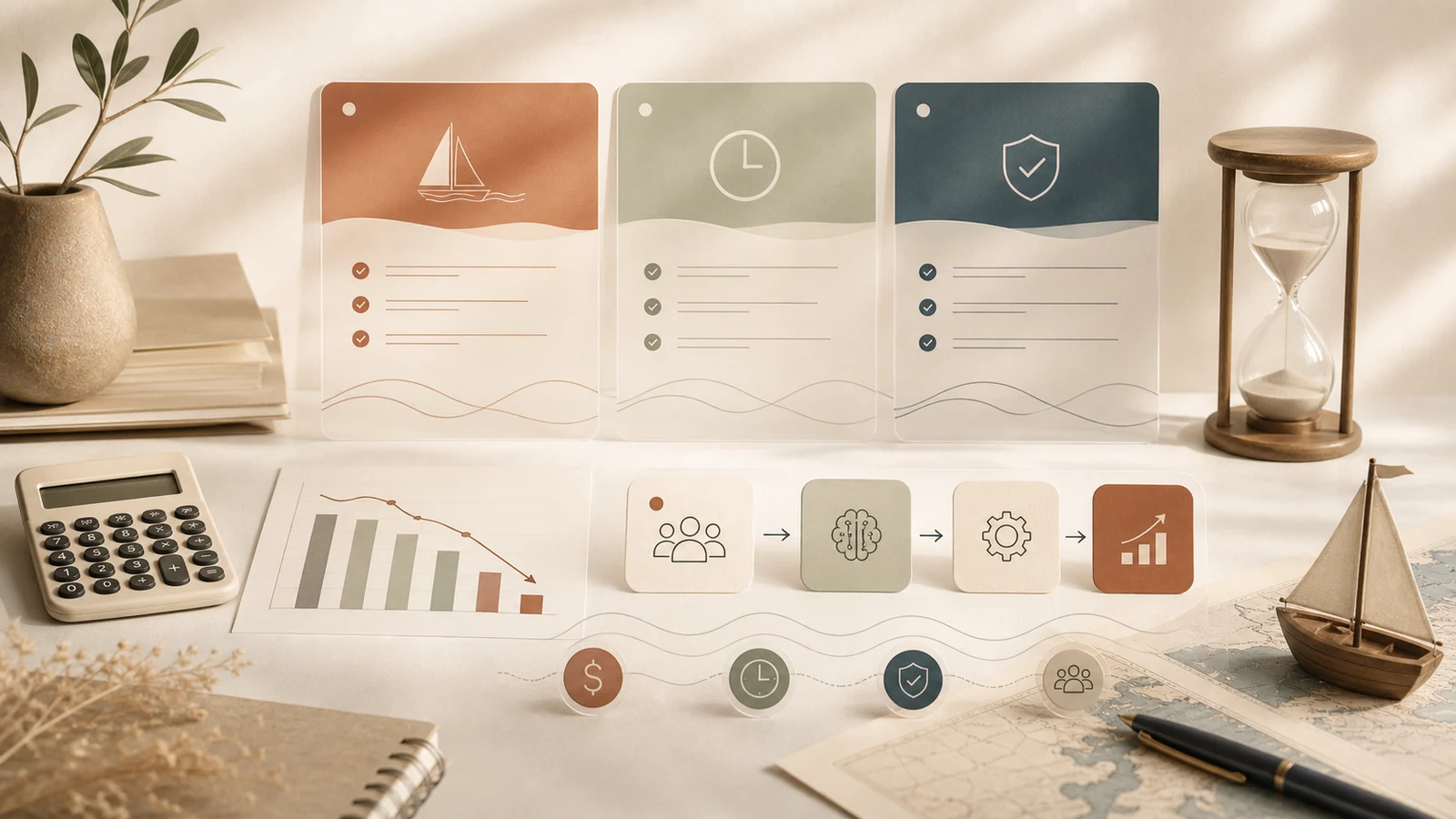
AI consulting costs depend on the scope: readiness assessment, workflow setup, training, automation, or ongoing support. Start by pricing the outcome, not the tool.
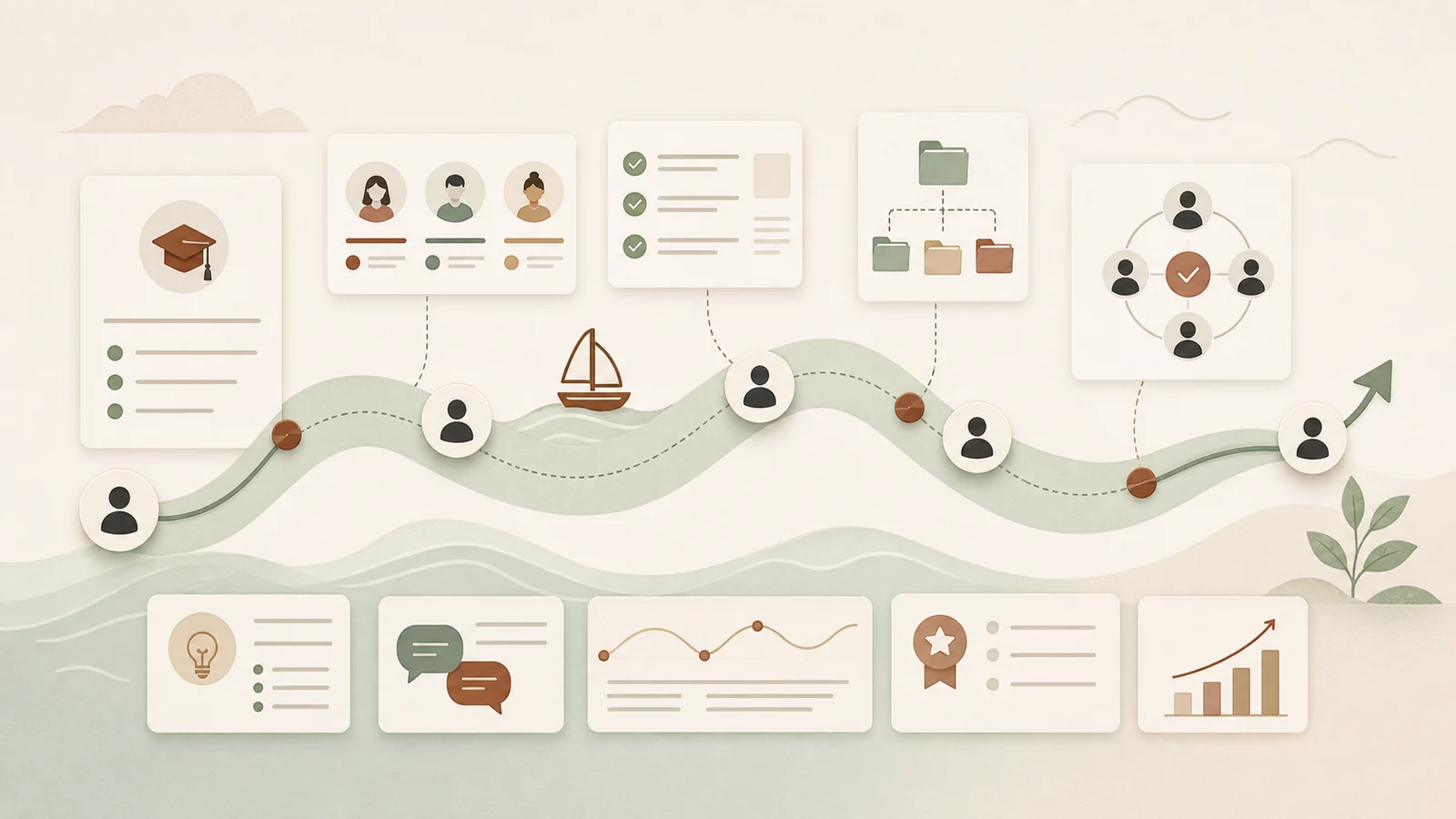
AI training should be practical. Teach your team which workflows to use, what good output looks like, and when human review is required.
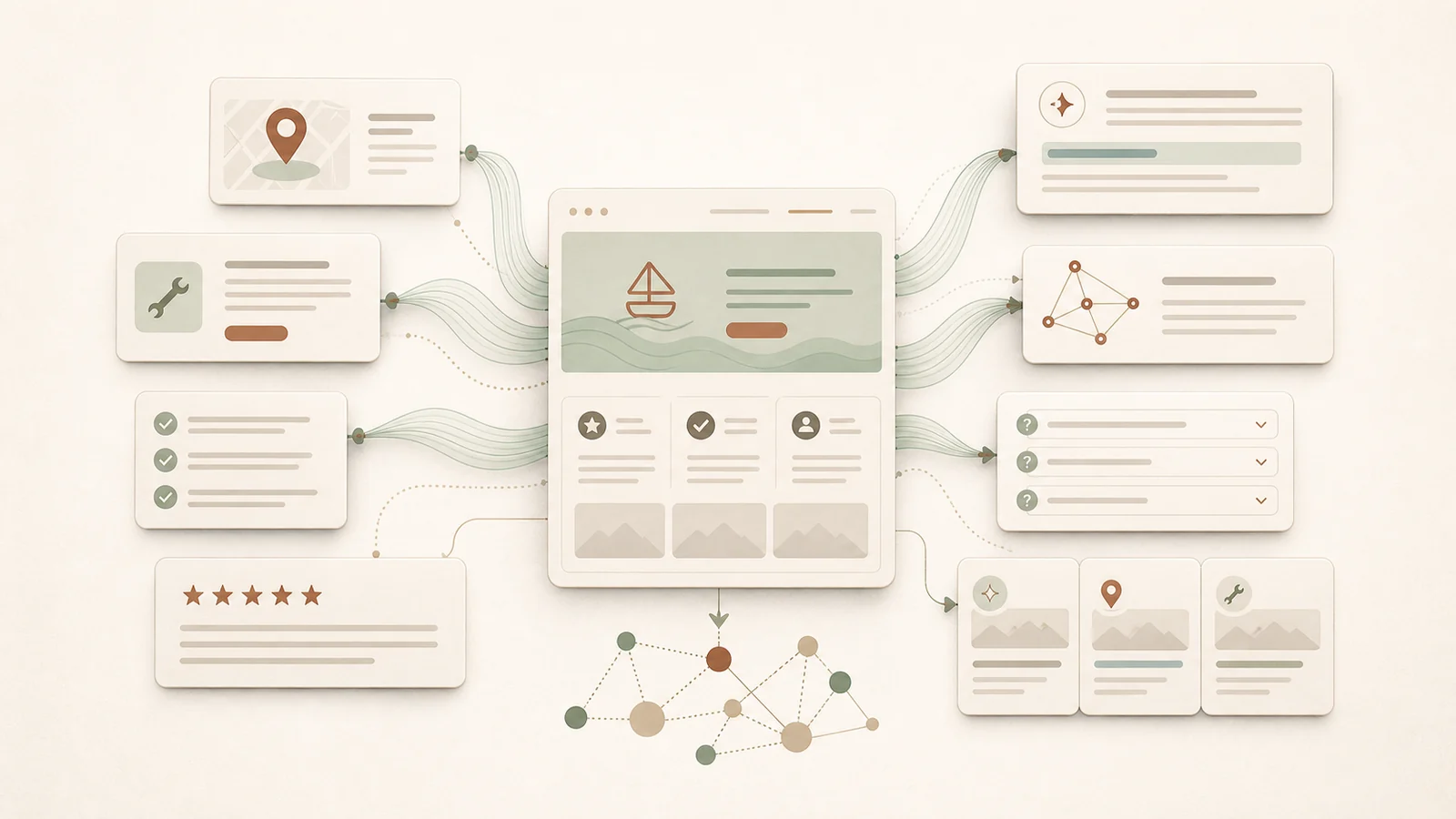
AI search rewards clear answers, service detail, proof, and structure. Your website should make it easy for answer engines to understand what you do.
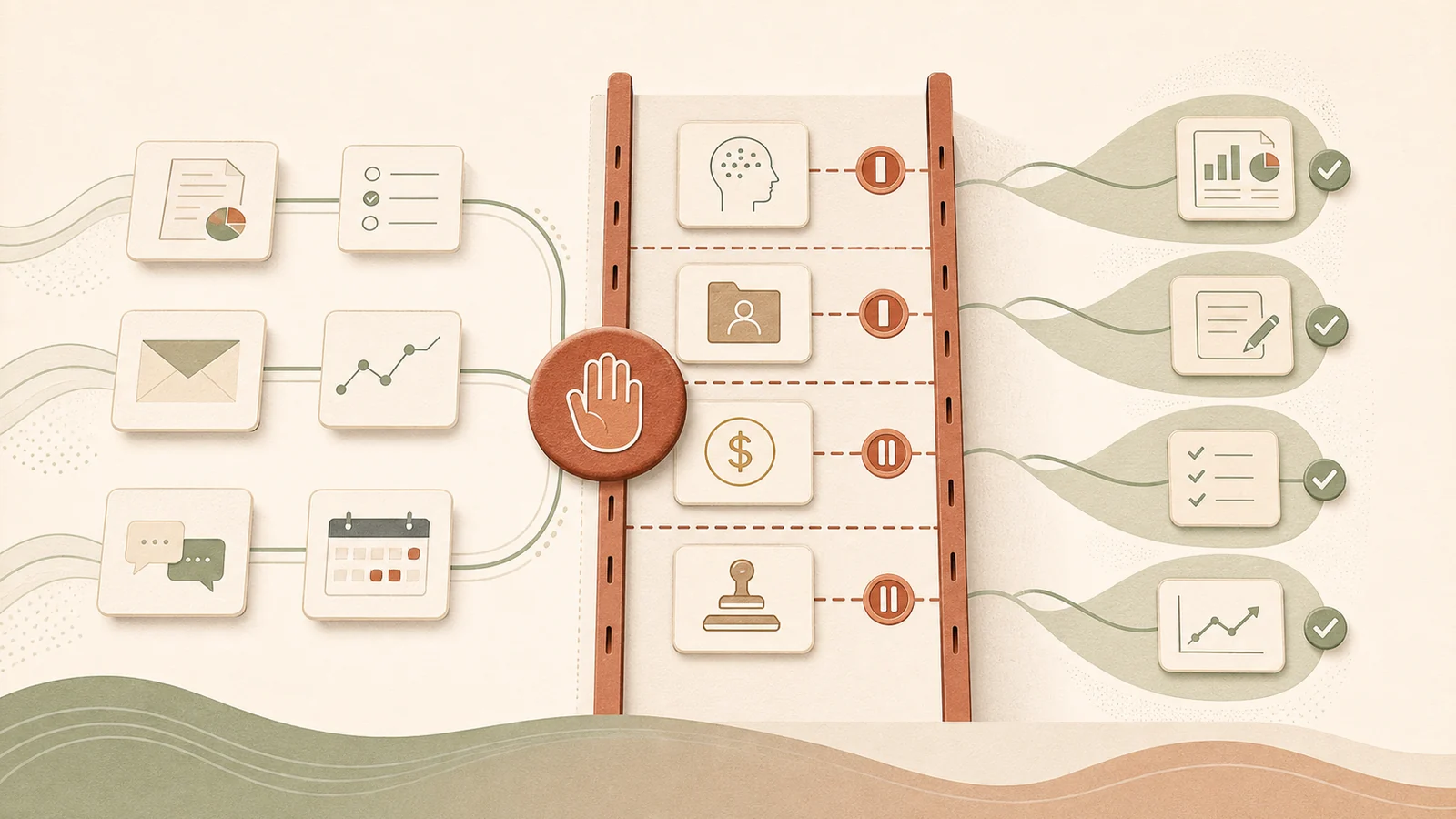
AI is useful, but it should not make final decisions about sensitive, risky, or trust-heavy work. Set the boundaries before rollout.
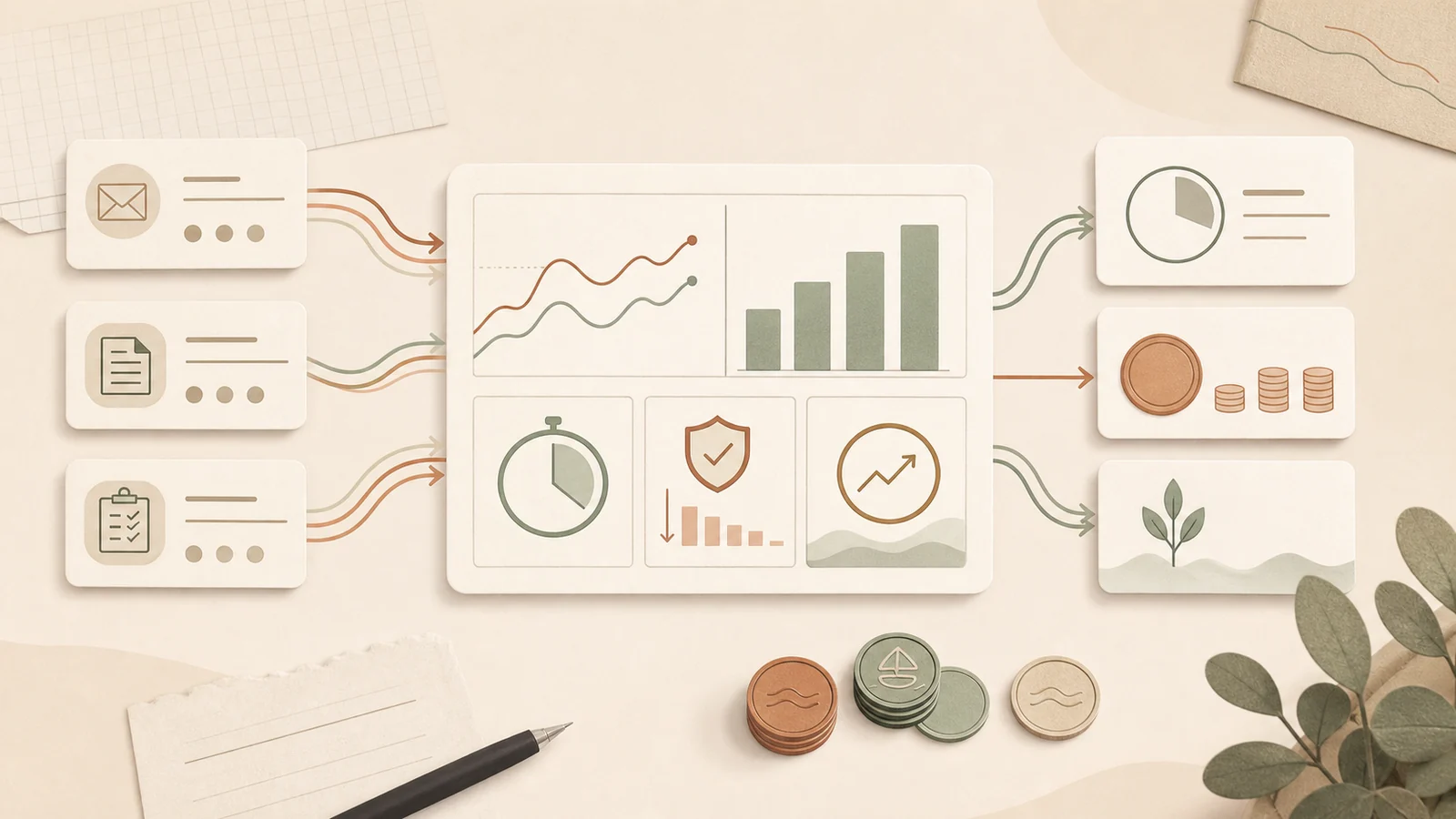
AI ROI does not need a complicated model. Start with hours saved, risk reduced, quality improved, and whether the workflow is actually used.

Copy five practical AI prompt templates for client emails, meeting actions, weekly updates, proposals and checklists, with examples and review rules.
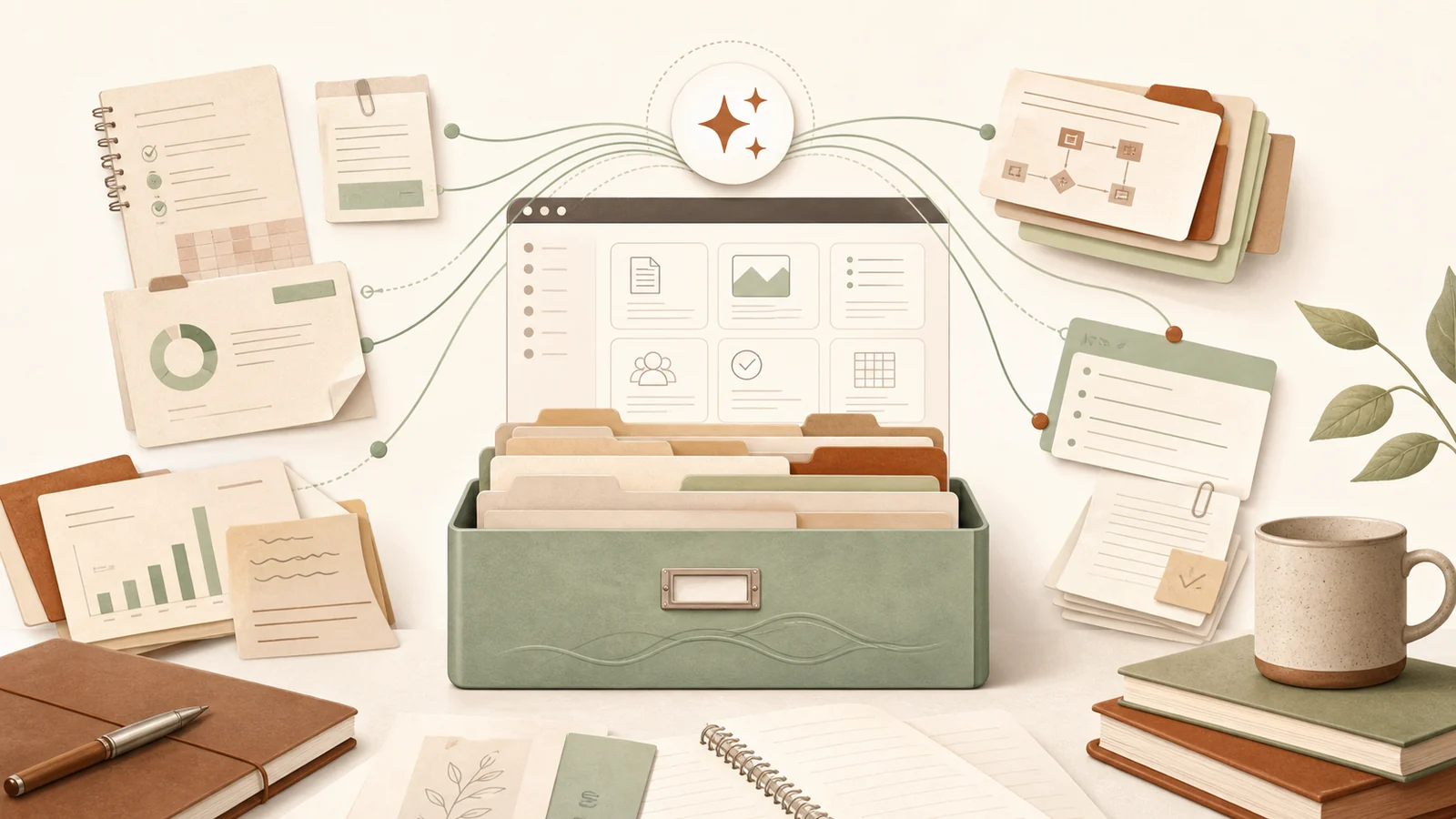
AI works better when your business context is organised. Start with the documents, examples, policies, and FAQs your team already relies on.
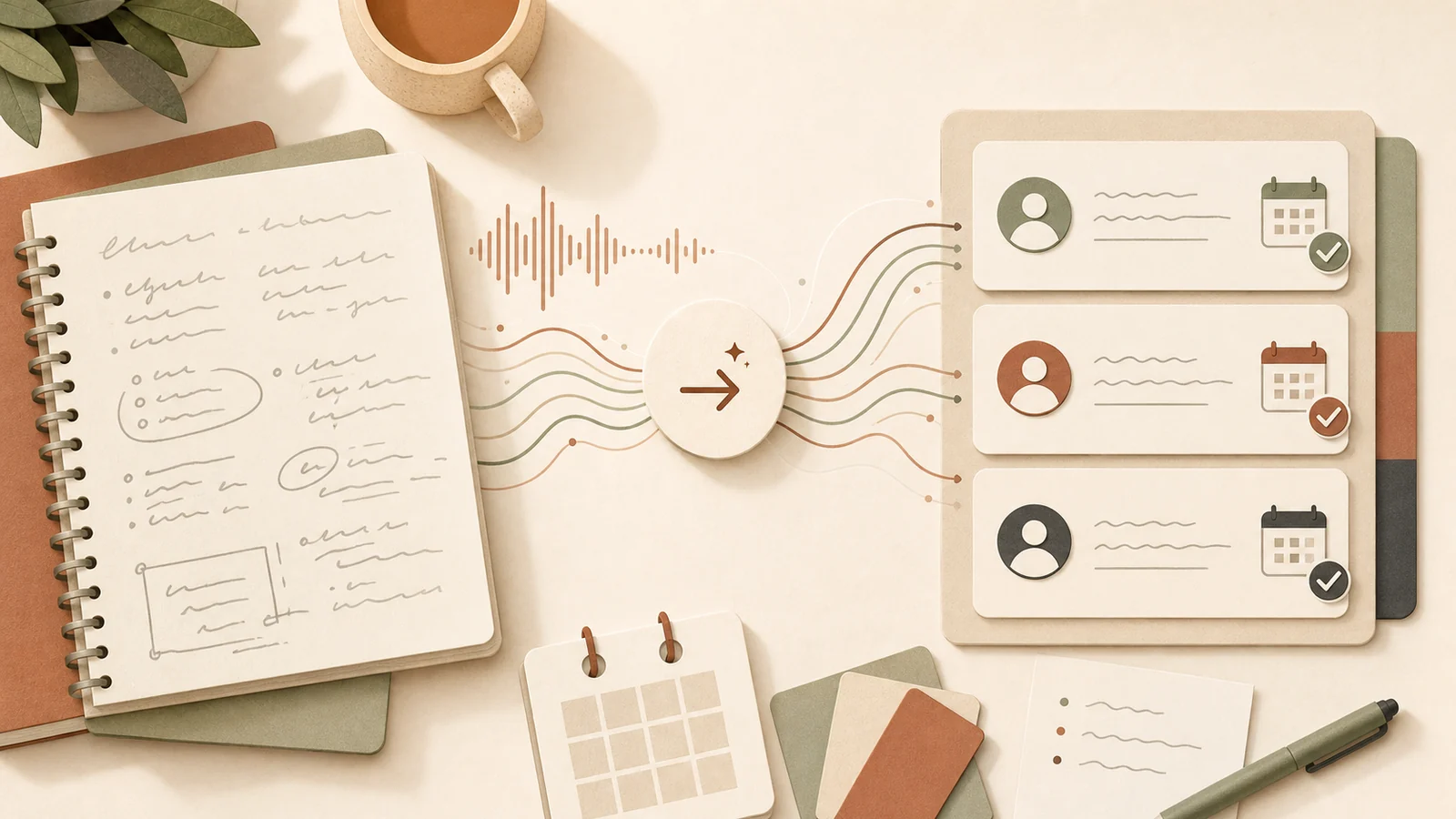
Meeting notes are only useful when they become clear actions. AI can help turn rough notes into owners, due dates, decisions, and follow-ups.
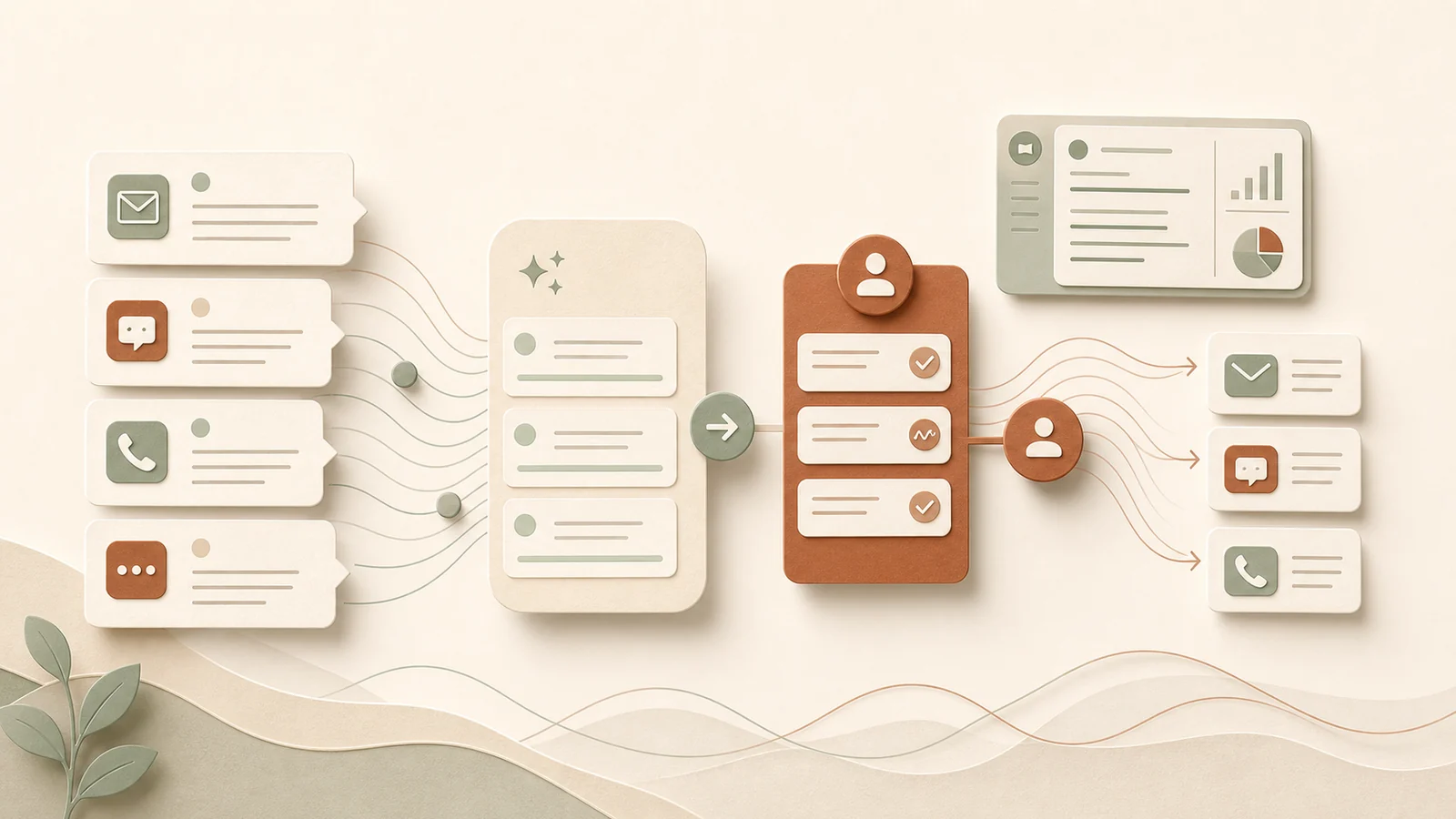
AI can help with customer enquiries, but it should support the response process rather than replace judgment, empathy, and accountability.
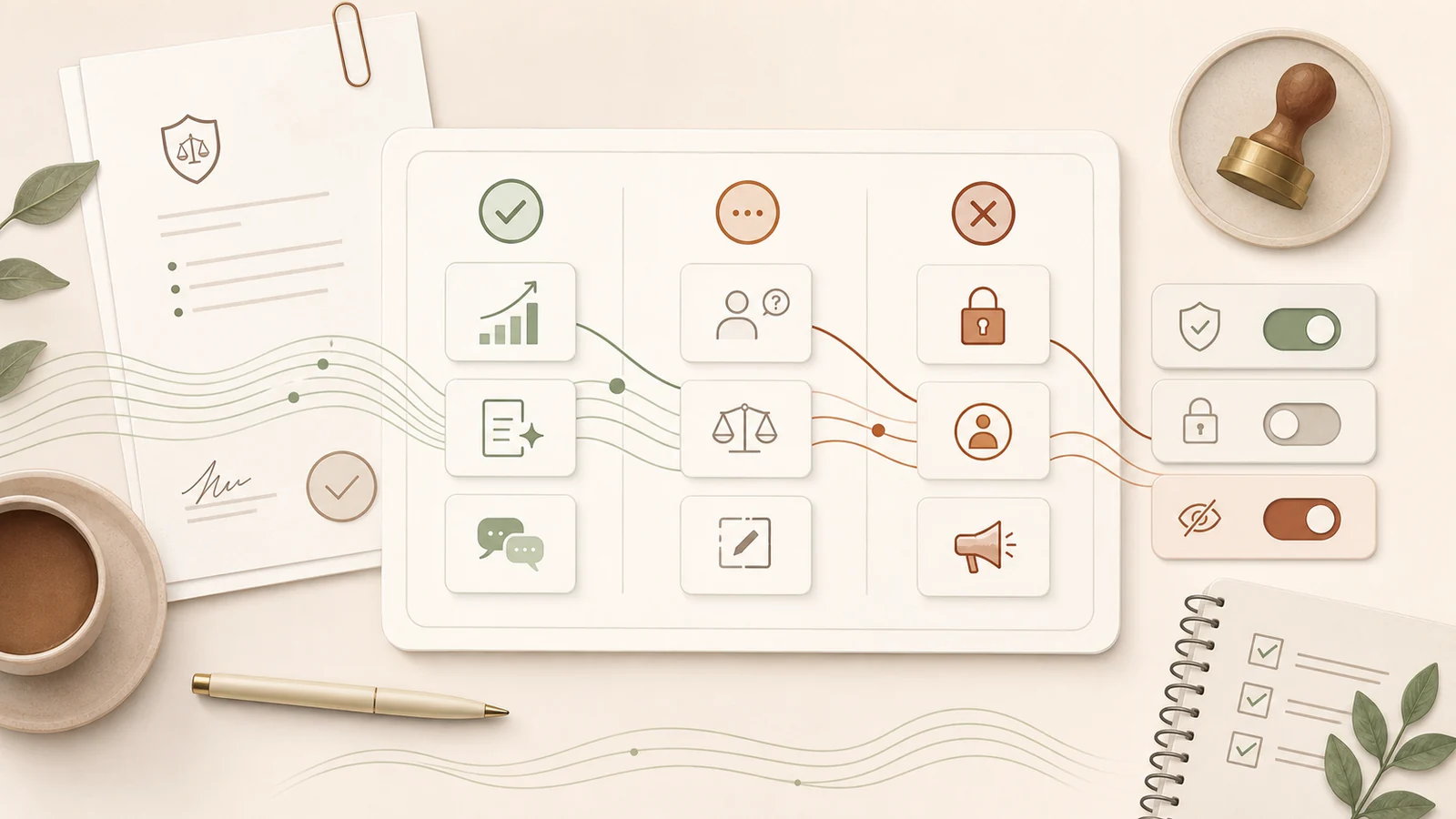
A good AI policy does not need to be long. It should tell your team what AI is for, what needs review, and what must never go into a tool.
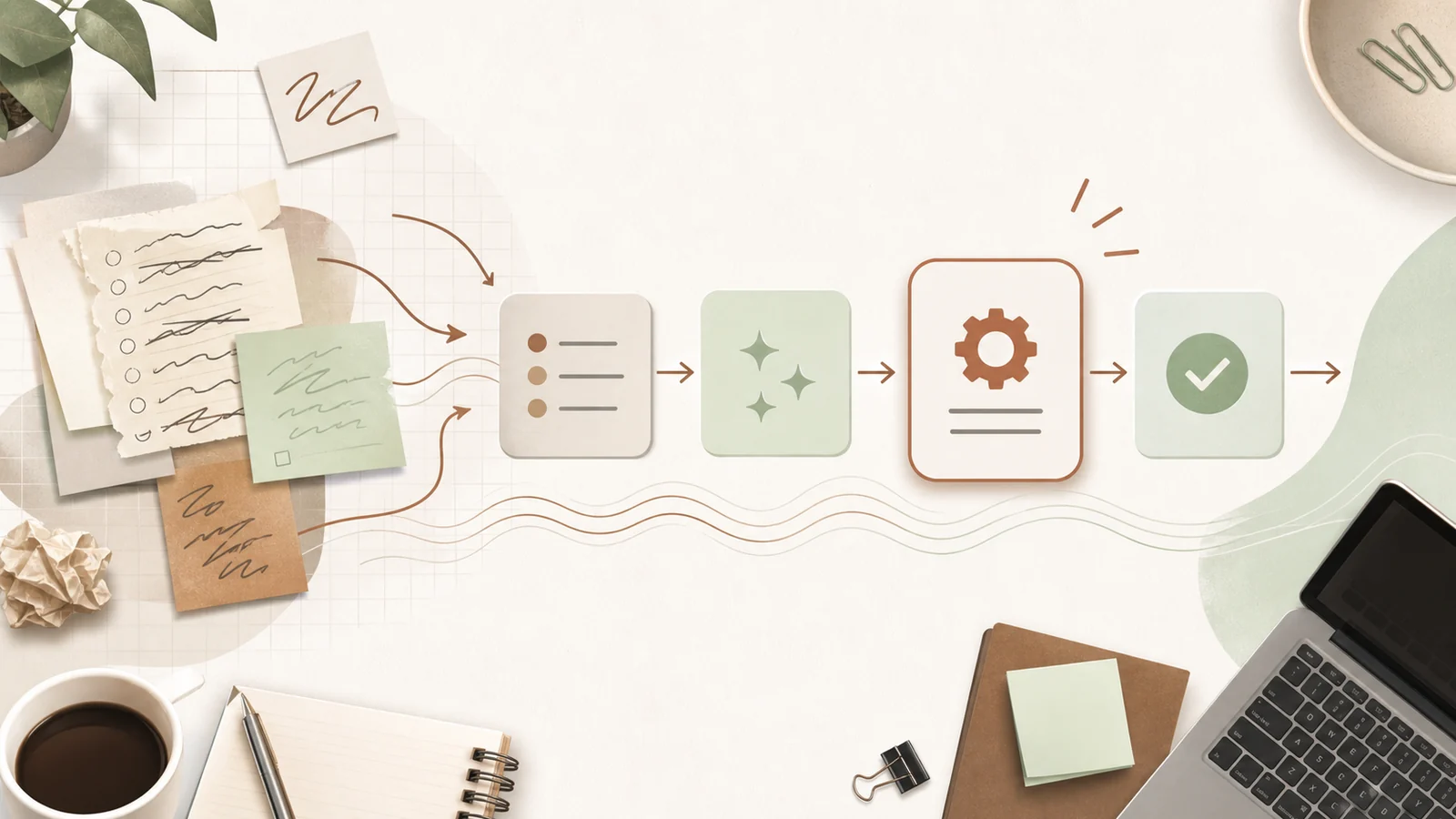
The best first AI workflow is small, repeated, low risk, and easy to check. Start there before trying to automate the whole business.

Teams need more than a login. Set up the organization, seats, connectors, shared Projects, roles, and a first workflow before rolling it out.

If you only need one Claude account, start with the right plan, desktop app, connectors, memory, and one useful Project.
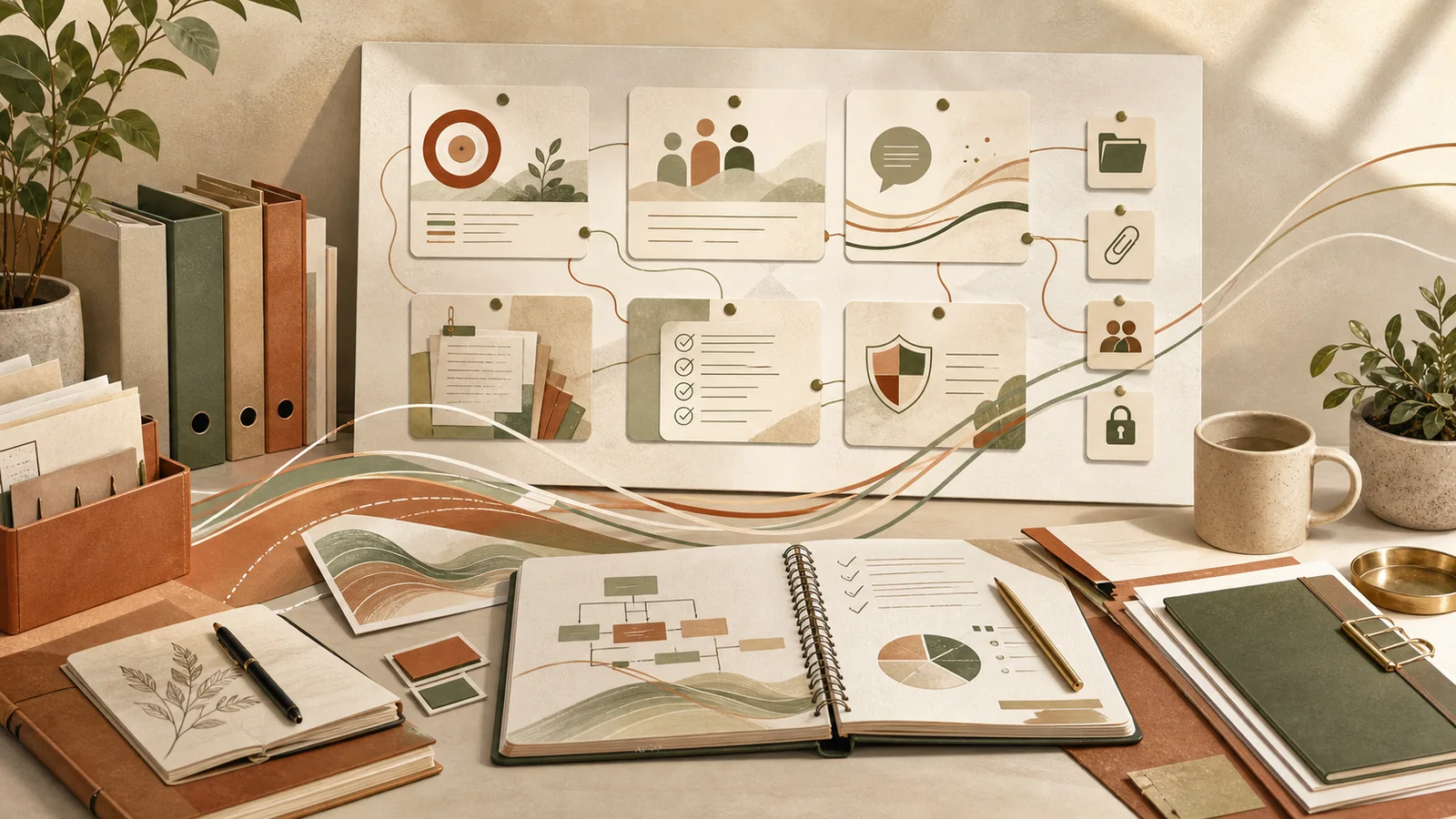
Good Project Instructions turn a generic AI chat into a useful workspace by giving it your business context, voice, examples, and standards.

The fastest way to waste money on AI is to automate the wrong work. A short assessment shows where AI will actually save time.