Quick answer
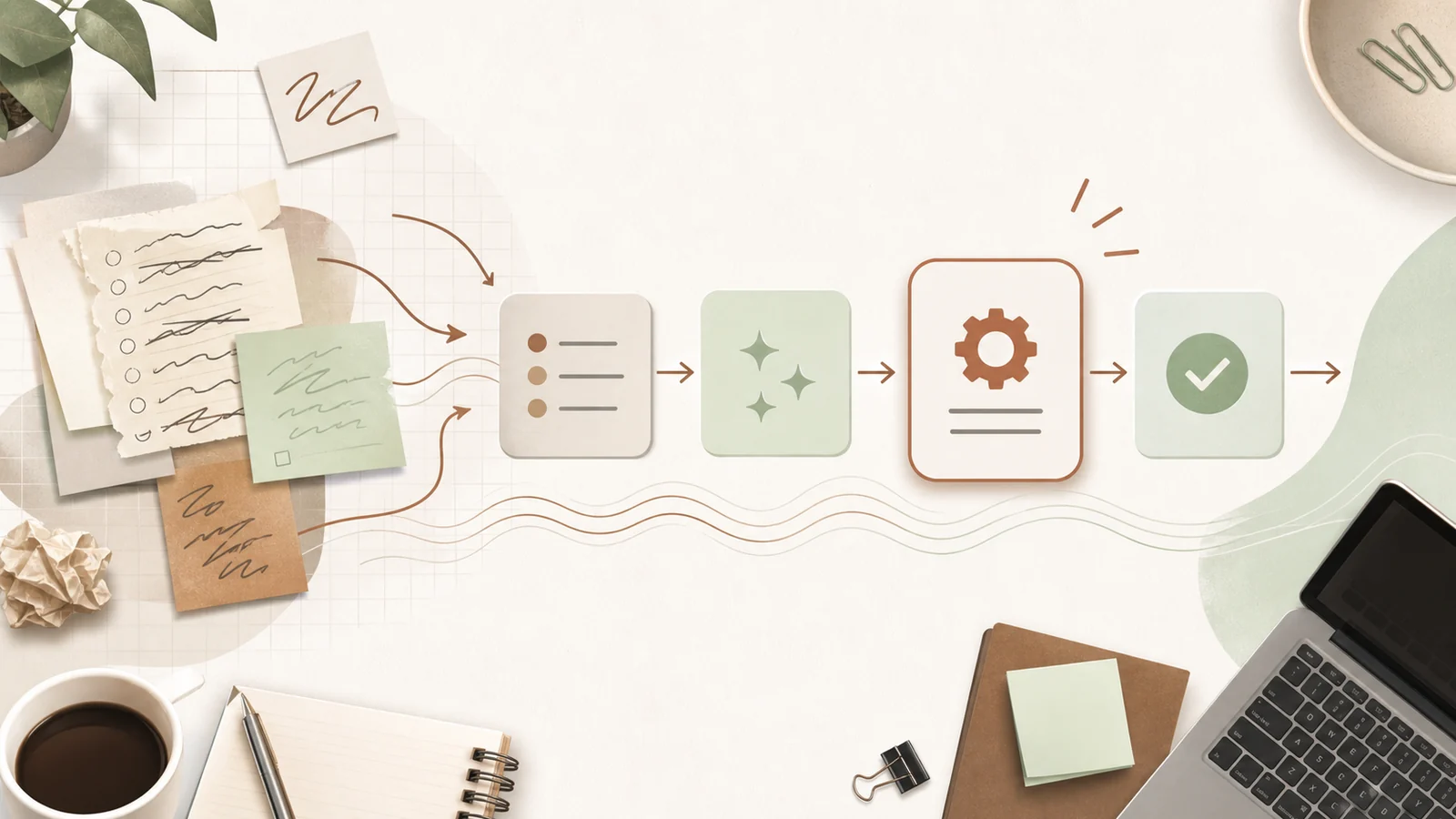
Your first AI workflow should be repeated every week, take real time, use information you can provide clearly, carry low risk if the first draft is imperfect, and be easy for a human to review.
Do not start with the most impressive idea. Start with the workflow your team will actually use.
Published: 26 June 2026.
Best for: business owners, managers, and teams moving from AI experiments to practical workflows.
Time needed: 30 minutes to choose a sensible first workflow.
Why the first workflow matters
The first workflow sets the tone for AI inside the business.
If it works, people become curious. If it is messy, people quietly go back to the old way. That is why the first project should be useful, visible, and low drama.
A good first workflow does not need to be clever. It needs to make one repeated job easier.
Good examples include:
- Turning meeting notes into action lists.
- Drafting first-pass client emails.
- Summarising long documents.
- Preparing weekly reporting notes.
- Checking forms for missing information.
- Turning phone notes into CRM updates.
- Creating first drafts of proposal sections.
The goal is not “AI transformation”. The goal is one better Tuesday afternoon.
Use five filters
Before choosing a workflow, score each idea against five filters.
1. It repeats often
AI is most useful when the task happens again and again.
A task that happens once a year may still be annoying, but it is not usually the best first workflow. Start with work that happens weekly or daily.
Ask:
- How often does this happen?
- Who does it?
- How long does it take?
- What gets delayed when it is not done?
If the answer is vague, keep looking.
2. It has a clear input
AI needs context.
A good workflow starts with something specific: notes, an email, a transcript, a form, a document, a spreadsheet, a quote request, or a set of examples.
Weak workflows start with a blurry instruction like “help with marketing” or “make operations better”.
Strong workflows start with:
- “Turn this client call transcript into a follow-up email.”
- “Summarise these support tickets into the top five issues.”
- “Check this intake form for missing information.”
- “Draft the first version of this weekly update.”
3. It has a clear output
The output should be something a human can inspect quickly.
Good outputs include:
- A draft email.
- A checklist.
- A summary.
- A table of missing fields.
- A first-pass report.
- A proposed action list.
Avoid starting with workflows where the output is hidden inside another system and hard to verify.
4. The risk is manageable
AI can make mistakes. That does not make it useless. It means the first workflow should be chosen carefully.
Good first workflows keep AI away from final decisions.
Use AI to draft, sort, summarise, prepare, compare, and check. Keep humans responsible for approving, sending, advising, pricing, deleting, changing records, and making sensitive decisions.
If the workflow touches client money, medical information, legal advice, staff performance, compliance, or sensitive records, slow down.
5. The value is visible
Choose work where the benefit can be seen.
That might be:
- 30 minutes saved per meeting.
- Faster replies to common enquiries.
- Cleaner handover notes.
- Fewer missed actions.
- Less time turning rough notes into polished updates.
The value does not need to be perfect. It needs to be clear enough that the team can feel the difference.
A simple scoring table
Give each workflow idea a score from 1 to 5:
- Repeats often.
- Clear input.
- Clear output.
- Low risk.
- Easy to review.
- Meaningful time saved.
The best first workflow is usually not the one with the highest total only. It is the one with no obvious weak spots.
If an idea scores high on value but low on risk, save it for later.
What to build first
Once you choose the workflow, do not jump straight to full automation.
Build the lightest useful version first:
- Write the instruction.
- Add two or three good examples.
- Test it on real work.
- Improve the instruction.
- Create a repeatable template or Project.
- Train the team on when to use it.
- Decide later whether automation is worth it.
Most businesses get value before they need anything complex.
Common mistake
The common mistake is choosing the workflow that sounds most exciting in a demo.
That usually leads to too much scope, too much risk, and too little adoption.
Choose boring work first. Boring repeated work is where the hours are.
Next step
List ten repeated tasks your team does every week. Score them against the five filters. Pick the safest useful one and run it for seven days.
If you want help choosing the right starting point, that is exactly what an AI assessment is for.