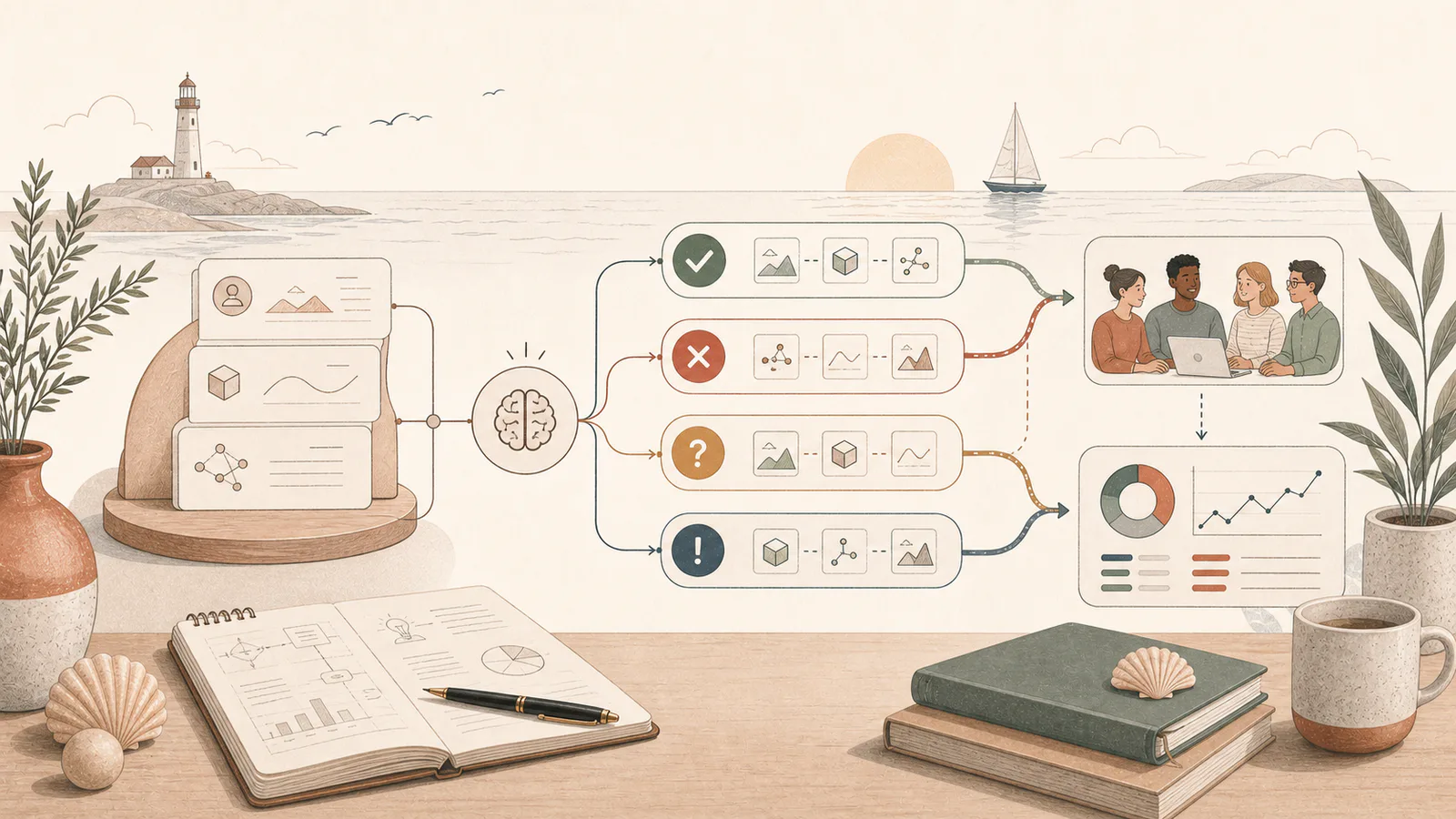
Test an AI workflow by defining success, building a representative set of real examples, scoring the outputs, and piloting with a small group. Include bad inputs and edge cases so the test reflects ordinary work rather than a perfect demonstration.
An AI workflow can look excellent when the person who built it chooses the input.
The real test begins when normal staff use normal files on a busy day.
Testing closes the gap between a compelling demonstration and a dependable workflow.
Write the pass criteria first
Before testing tools or prompts, define what the output must do.
For a customer-enquiry draft, the criteria might be:
- Identifies the customer’s actual question.
- Uses the approved service information.
- Does not invent availability, pricing, or guarantees.
- Matches the business tone.
- Escalates complaints and unusual requests.
- Takes less time to review than writing from scratch.
If you cannot define a passing result, the workflow is not ready to automate.
Build a representative test set
Use real, de-identified examples where possible.
Include:
- Common straightforward cases.
- Long and messy inputs.
- Incomplete information.
- Conflicting instructions or documents.
- Unusual wording and spelling.
- Cases with personal or sensitive information.
- Requests outside the allowed scope.
- Examples where escalation is the correct outcome.
Do not use private or customer information in an unapproved tool. Create safe test versions if needed.
Keep a holdout set
Use one group of examples while improving the workflow and a second group for the final test.
If you repeatedly tune the prompt against the same ten examples, you can accidentally design a workflow that performs beautifully on those examples and poorly everywhere else.
The holdout set gives you a more honest result.
Score more than writing quality
Use a simple scorecard:
| Measure | Question |
|---|---|
| Correctness | Are facts and decisions supported by the input? |
| Completeness | Are all required parts present? |
| Evidence | Can claims be traced to the approved source? |
| Boundaries | Did the model avoid guessing or prohibited actions? |
| Escalation | Did it ask for help in the right cases? |
| Format | Can the next person or system use the output? |
| Review effort | How long did a person spend correcting it? |
The final measure matters. A draft that saves two minutes but creates hidden risk may not be an improvement.
Test the whole workflow
Do not evaluate only the model’s answer.
Test:
- How the source information enters the task.
- Which version of a document is selected.
- Whether the prompt uses the correct template.
- How the reviewer sees evidence and warnings.
- What happens after approval.
- Whether a failed task can be retried or completed manually.
Many production failures come from the handoffs around the model.
Compare against the current process
Record a baseline before introducing AI:
- Average handling time.
- Error or rework rate.
- Waiting time.
- Number of handoffs.
- Staff frustration or cognitive load.
- Customer outcome, where measurable.
Then compare the AI-assisted version after review and correction.
The question is not whether AI can produce an output. It is whether the full process is better.
Set failure and escalation rules
Decide in advance:
- Which errors automatically fail the test.
- Which tasks must always go to a person.
- How many retries are allowed.
- Who can approve the output.
- How staff report a new failure pattern.
OpenAI’s practical guide to building agents recommends establishing an evaluation baseline and planning human intervention for failure thresholds and high-risk actions. The same principle applies to simpler AI workflows.
Run a small pilot
Choose a small group of users who understand the current process.
During the pilot:
- Keep the old process available.
- Review every output at first.
- Record corrections and escalations.
- Ask users where the workflow creates friction.
- Review results weekly.
- Expand only when the evidence supports it.
Do not force the team to hide failures to protect the project. A pilot is meant to discover them.
Decide: improve, narrow, or stop
After testing, the right answer may be:
- Improve the sources or instructions.
- Narrow the workflow to simpler cases.
- Keep a human approval step.
- Use a deterministic tool for part of the task.
- Choose a different model.
- Stop because the benefit does not justify the risk or effort.
Stopping a weak AI workflow is a successful test outcome.
A practical rollout gate
Before expanding, confirm:
- The workflow passes the agreed test set.
- High-impact failure modes have controls.
- Review time still produces a net saving.
- Staff know when and how to escalate.
- Someone owns the prompt, sources, access, and monitoring.
- There is a fallback if the AI or integration is unavailable.
The AI readiness assessment helps choose workflows that are testable and worth improving. Once selected, a deliberate AI workflow setup should include this evaluation work before broader rollout.