Quick answer
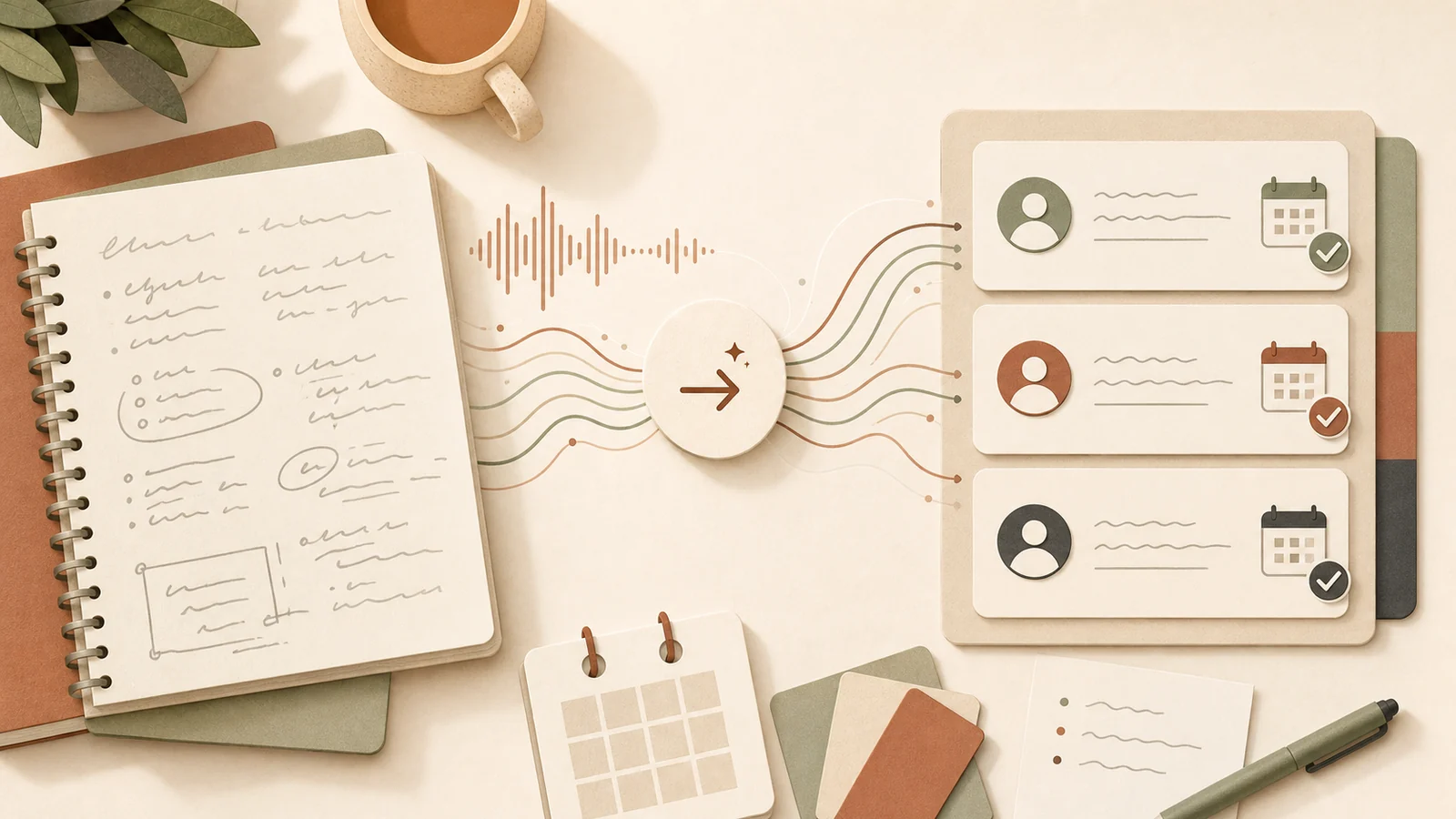
Use AI to turn meeting notes into a structured summary: decisions made, actions, owners, due dates, open questions, and follow-up messages. Always check the notes before assigning work.
The value is not the transcript. The value is the follow-through.
Published: 29 June 2026.
Best for: owners, managers, project teams, client service teams, and anyone leaving meetings with loose notes.
Time needed: 20 minutes to create the first reusable prompt.
Why meeting notes fail
Most meetings do not fail because nobody took notes.
They fail because the notes do not become action.
Common problems:
- Decisions are buried in paragraphs.
- Actions have no owner.
- Due dates are unclear.
- Follow-up emails take too long to write.
- The same topic is discussed again next week.
AI can help by turning rough notes into structure.
Start with the right input
AI can work from:
- Handwritten notes typed up after the meeting.
- A transcript.
- A bullet list.
- A call summary.
- A client email thread.
- A voice note converted to text.
The input does not need to be perfect, but it does need enough detail.
If the notes say “follow up with client”, AI cannot know who, when, or why unless the context is included.
Ask for a consistent output
Use the same format every time.
A useful meeting output includes:
- Short summary.
- Decisions made.
- Action items.
- Owner.
- Due date.
- Open questions.
- Risks or blockers.
- Follow-up email draft.
That structure makes the output easy to check.
A reusable prompt
Try this:
Turn these meeting notes into a practical action summary.

Return:
1. Short meeting summary.
2. Decisions made.
3. Action items with owner, due date, and next step.
4. Open questions.
5. Risks or blockers.
6. Draft follow-up email in plain English.

If an owner or due date is missing, write "needs confirmation" instead of guessing.
Do not invent decisions that are not in the notes.
The two most important lines are the last two. They stop AI from filling gaps too confidently.
Use “needs confirmation”
This phrase is simple but powerful.
Instead of guessing, AI should mark missing information.
For example:
- Owner: needs confirmation.
- Due date: needs confirmation.
- Decision: unclear from notes.
- Client approval: not confirmed.
This makes the summary safer and more useful.
Draft the follow-up while context is fresh
Meeting follow-up is often delayed because the person who took notes gets pulled into the next task.
AI can draft the follow-up email immediately.
The person still checks it, but they are editing a useful draft rather than writing from scratch.
Good follow-ups include:
- Thanks and context.
- Decisions confirmed.
- Actions and owners.
- Due dates.
- What happens next.
- Any questions needing reply.
Store the final version
Do not leave the output in a chat only.
Put the final checked version where the team works:
- Project management tool.
- CRM.
- Client folder.
- Shared notes system.
- Email thread.
AI helps prepare the record. Your business still needs a real record.
Common mistake
The mistake is asking AI to “summarise this meeting” and stopping there.
A summary is helpful, but action is better.
Ask for the output you need the business to use.
Next step
Pick one recurring meeting. Use the same prompt for four weeks. Each week, improve the prompt based on what was missing.
By the end of the month, you should have a meeting workflow your team can trust.