Quick answer
Use AI to sort, summarise, draft, and suggest replies to customer enquiries. Keep a human responsible for checking tone, facts, promises, pricing, and anything sensitive before the response is sent.
Fast replies are useful. Trusted replies are better.
Published: 28 June 2026.
Best for: local businesses, service teams, admin teams, and owners managing a busy inbox.
Time needed: 60 minutes to set up a useful first workflow.
Where AI helps
Customer enquiries often follow patterns.
People ask about:
- Pricing.
- Availability.
- Service areas.
- Booking steps.
- What is included.
- How long something takes.
- Whether your business can handle a specific situation.
AI can help turn those repeated patterns into faster first drafts.
That does not mean AI should answer customers on its own. It means your team can spend less time starting from a blank screen.
Start with sorting
The safest first use is sorting enquiries.
Give AI a batch of messages and ask it to group them by intent:
- New lead.
- Existing client.
- Booking change.
- Complaint.
- Quote request.
- Urgent issue.
- Needs manager review.
- Missing information.
This helps the team see what is in the inbox before replying.
Sorting is useful because it does not make a promise to the customer. It helps a person decide what to do next.
Then summarise
The next useful step is summarising.
For each enquiry, AI can prepare:
- What the customer wants.
- Key details already provided.
- Missing information.
- Suggested next step.
- Any risk or sensitivity.
This is especially helpful when an enquiry has come through multiple emails or a long form.
The team member still reads the original. The summary simply reduces the time needed to understand it.
Draft replies with guardrails
Once sorting and summarising work, move to draft replies.
The instruction should be specific:
Draft a warm, plain-English reply.
Do not invent pricing, availability, inclusions, guarantees, or dates.
If information is missing, ask a clear question.
Keep the message concise.
Mark anything that needs human confirmation.
That last line matters. AI should surface uncertainty rather than hide it.
Build a response library
AI works better when it has examples.
Collect ten good replies your business has already sent. Remove private details. Use those examples to teach the tone, structure, and level of detail you want.
Look for examples that cover:
- A simple quote request.
- A booking change.
- A polite no.
- A missing-information reply.
- A complaint acknowledgement.
- A follow-up after no response.
This gives AI a practical standard.
What a human must check
Before any customer reply is sent, a person should check:
- Names and details.
- Service area.
- Availability.
- Pricing.
- Promises and guarantees.
- Legal or compliance wording.
- Tone.
- Whether the response actually answers the question.
AI can sound confident while being wrong. That is why review is not optional.
What not to automate first
Do not start by letting AI send customer replies automatically.
Do not let AI:
- Handle complaints without review.
- Offer refunds or discounts.
- Confirm bookings without checking the calendar.
- Give technical advice your team would normally verify.
- Respond to sensitive personal situations without a person involved.
These may become workflow candidates later, but they are not the first move.
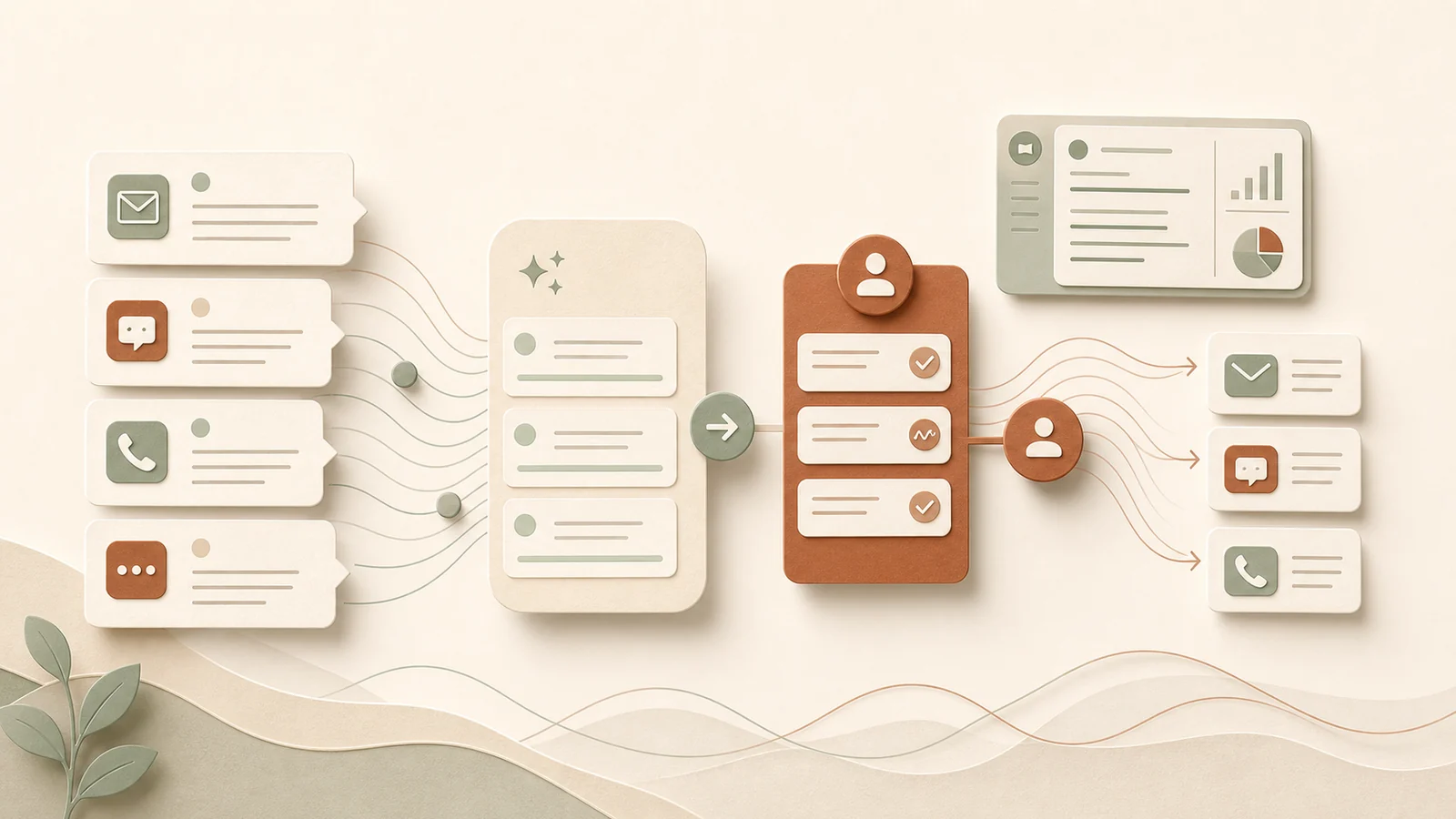
A good first workflow
Start with this:
- Paste or connect new enquiries.
- AI sorts them by type.
- AI summarises each enquiry.
- AI drafts a reply where safe.
- A team member checks and edits.
- The final response is sent by a person.
- Good final replies are saved as examples.
That loop improves over time.
Next step
Pick one inbox or form. Test the workflow on ten real enquiries. Track how long it takes to reply with and without the AI draft.
If the draft saves time and the review is easy, you have a useful workflow.